Character sprites
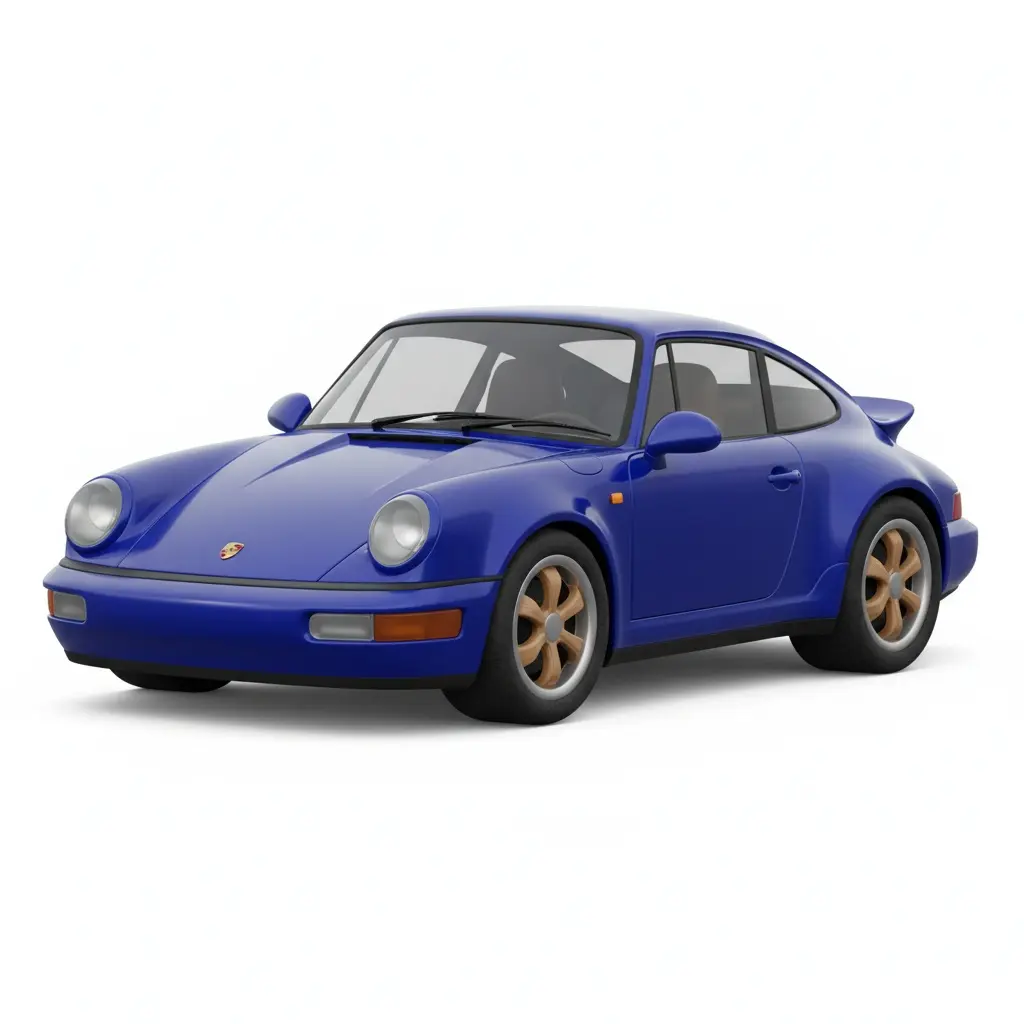
A small mascot chart for a pegboard.
Online tool
Turn any image into a fuse-bead pattern instantly. Upload, pixelate, and create!
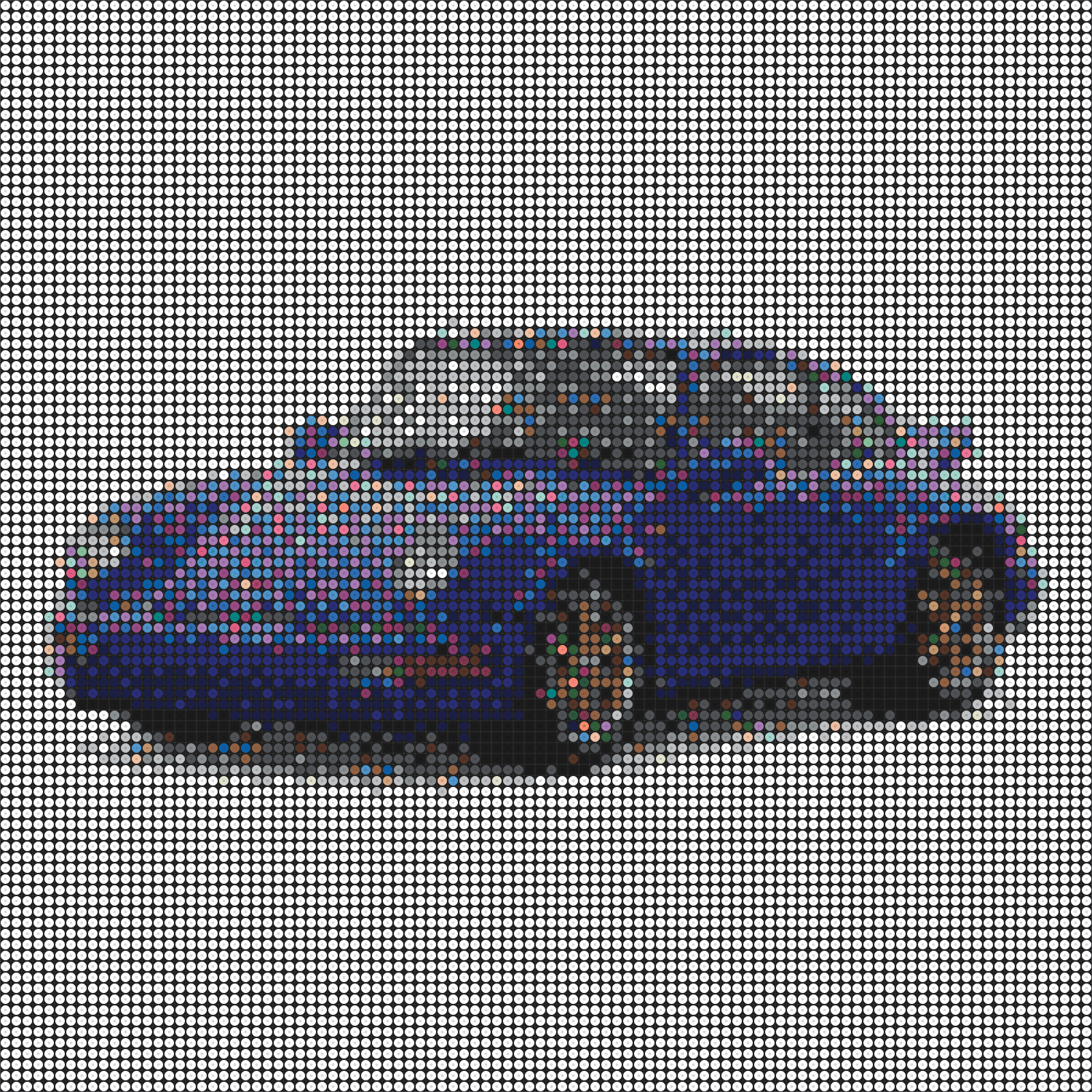
Bead maker pixelates a photo into a fuse-bead pattern you can follow. Upload, set width, optional dithering, then download the chart and a material list. It runs as a three-column editor. Pattern work does not follow the same credit path as model generation.
Use a simple subject with clear colors. High bead counts take more time to place. Download the pattern before you close the tab.
A small mascot chart for a pegboard.
A brand mark reduced to a bead grid.
A coarser photo for a large board.
A count of colors so you can buy beads once.
Learn what the tool does here, then create in a focused workspace built around the task.
Set how wide the chart is before you export.
Use it on photos. Skip it on flat logos.
Toggle lines to read the chart on screen.
Adjust the pattern in the three-column layout, then download.
A small character for an afternoon project.
A logo chart for a workshop.
A larger mosaic from a favorite still.
A color-count exercise.
Drop, select, paste, or load the image URL in the central upload area.
Choose the available task and output options in the control rail.
Review the result in the workspace, then download it or continue with another image.
This page explains the tool and its use cases. The /app workspace is where creation happens.
Yes. This tool needs a source image, and the workspace supports file selection, drag and drop, paste, and image URLs.
Image inputs generally support JPG, PNG, and WEBP. The upload area shows the exact limits.
Yes. Download the result, revisit it from history, or use it as the next input where supported.
Pattern making is a local editor. It does not follow the same credit path as model tools. Follow the workspace labels if a paid export appears.
Start narrow. A high width looks closer to the photo and takes more beads to place.
Quality depends on the model and settings in the workspace. Download the result, then run again with a different prompt, model, or size if you need another take.
You can read this page without signing in. Creating in the workspace uses credits and requires an account.
Download the file you generate and use it in your projects. Read the current terms if you need commercial-use details.
Open the VibePicture workspace and turn your idea into a usable visual.
Open Studio