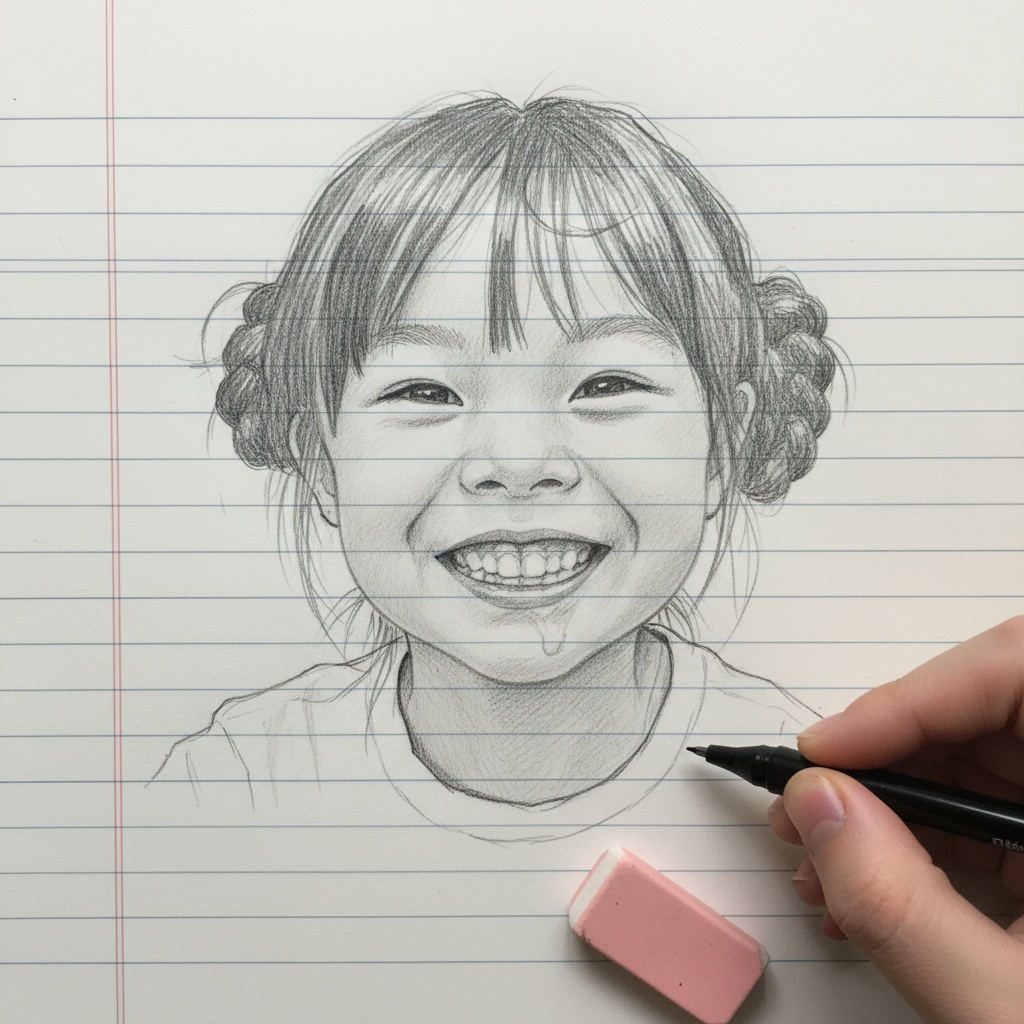
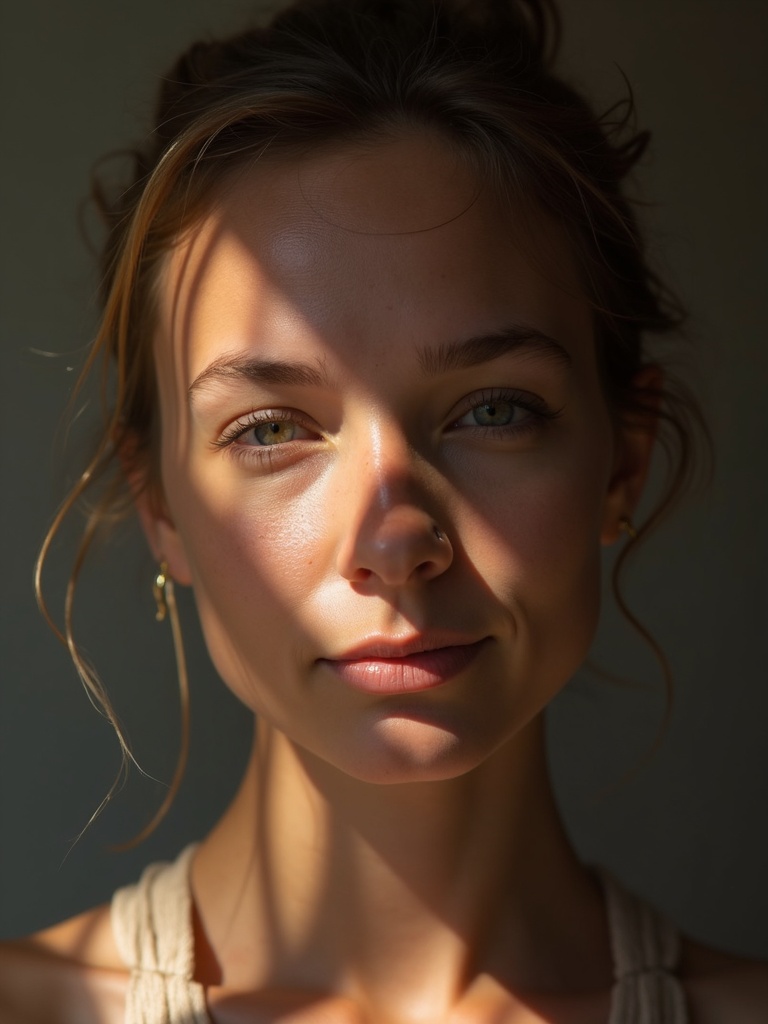
Portrait restyles
A person or pet in a quiet animated treatment.

The Ghibli workspace restyles a photo into a warm, hand-painted animation look. Soft outlines, quiet color, and film-like skies are the usual result. Use it on portraits, pets, rooms, and landscapes. It is an interpretation, not an official Studio Ghibli product.
Upload one or more stills. Add a short instruction if you want a stronger or softer look. Download wallpapers, covers, or stills, then send a favorite into image to video if you want motion.
A person or pet in a quiet animated treatment.
A street, kitchen, or hillside with painted light.
A single frame sized for a book, phone, or poster.
A key image you can later animate.
Learn what the tool does here, then create in a focused workspace built around the task.
The source image sets pose and layout.
A line like keep the face, soften the background is enough.
This workspace accepts more than one image when you need references.
Take a still you like into image to video.
A gift still in an animated register.
A location treated like a painted establishing shot.
A frame for a print, card, or desktop.
Show a film-like version of a real place.
Drop, select, paste, or load the image URL in the central upload area.
Choose the available task and output options in the control rail.
Review the result in the workspace, then download it or continue with another image.
This page explains the tool and its use cases. The /app workspace is where creation happens.
Yes. This tool needs a source image, and the workspace supports file selection, drag and drop, paste, and image URLs.
Image inputs generally support JPG, PNG, and WEBP. The upload area shows the exact limits.
Yes. Download the result, revisit it from history, or use it as the next input where supported.
No. It is a style-directed edit in VibePicture. It does not use Studio Ghibli as a vendor.
Yes. Open the still in image to video and describe the motion.
Quality depends on the model and settings in the workspace. Download the result, then run again with a different prompt, model, or size if you need another take.
You can read this page without signing in. Creating in the workspace uses credits and requires an account.
Download the file you generate and use it in your projects. Read the current terms if you need commercial-use details.
Open the VibePicture workspace and turn your idea into a usable visual.
Open Studio