Profile pictures
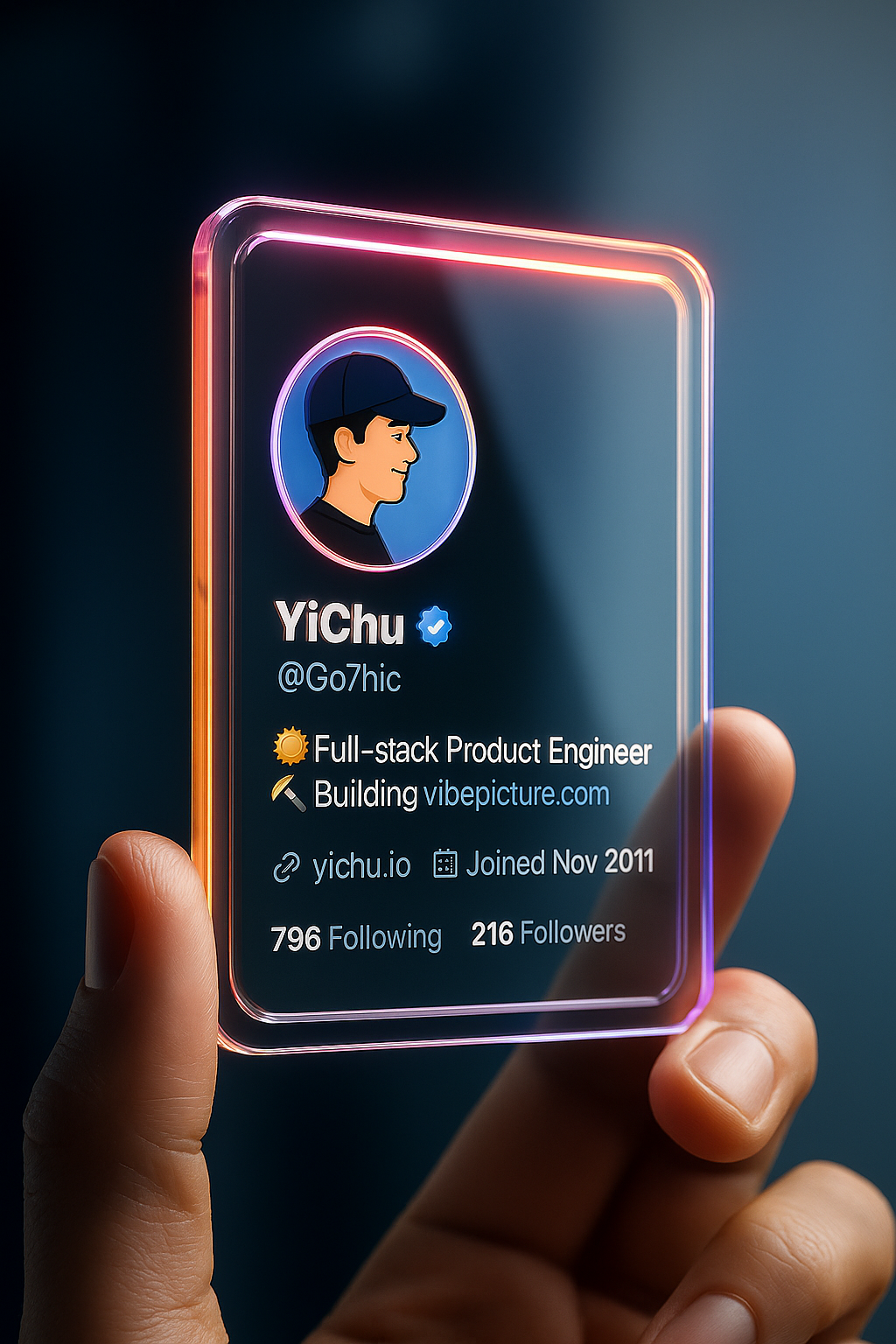
A consistent illustrated head for social accounts.
Online tool
Upload your avatar photo and choose different styles to generate personalized avatars with AI

Avatar generator turns a portrait into a set of stylized heads. Upload a face, pick styles, and generate. Use the results for profiles, stickers, or a character sheet.
A single well-lit face works best. The rail lists styles. Download the ones you want, or send a favorite into sticker or profile card.
A consistent illustrated head for social accounts.
Several looks from the same source face.
A head that already reads as a character.
Give a group the same treatment from their own photos.
Learn what the tool does here, then create in a focused workspace built around the task.
You do not start from a blank prompt.
Select more than one look when the rail allows it.
A tight portrait beats a full-body tourist shot.
Save PNGs or continue in another portrait tool.
Replace a camera snap with an illustrated head.
Give members matching avatar treatment.
Start from a face that already has a graphic look.
Put a stylized team on a slide.
Drop, select, paste, or load the image URL in the central upload area.
Choose the available task and output options in the control rail.
Review the result in the workspace, then download it or continue with another image.
This page explains the tool and its use cases. The /app workspace is where creation happens.
Yes. This tool needs a source image, and the workspace supports file selection, drag and drop, paste, and image URLs.
Image inputs generally support JPG, PNG, and WEBP. The upload area shows the exact limits.
Yes. Download the result, revisit it from history, or use it as the next input where supported.
Some styles look like toys or 3D heads. Others stay painted. Pick the style name that matches.
A clear source photo helps. Mention the feature in a follow-up edit if it drops out.
Quality depends on the model and settings in the workspace. Download the result, then run again with a different prompt, model, or size if you need another take.
You can read this page without signing in. Creating in the workspace uses credits and requires an account.
Download the file you generate and use it in your projects. Read the current terms if you need commercial-use details.
Open the VibePicture workspace and turn your idea into a usable visual.
Open Studio