Product motion
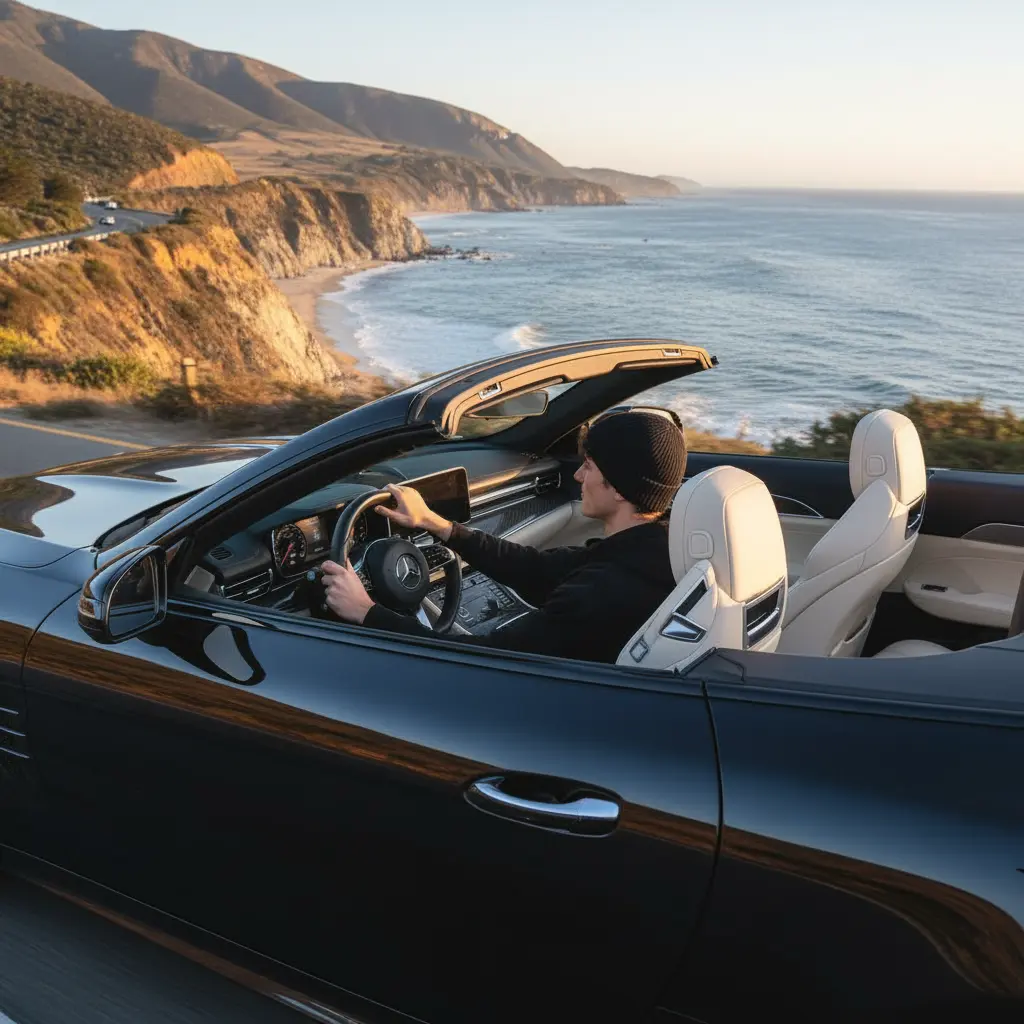
Give a pack shot a slow camera move or a light shift.
Online tool
Turn a still image into video with motion. Choose Flux 3, Seedance 2.5, or MiniMax H3 Max.
Image to video starts from one or two stills and adds motion. Optionally write how the scene should move. Use it for product loops, portrait motion, and short social clips rather than a full edit suite.
The workspace lists Flux 3, Seedance 2.5, and MiniMax H3 Max with resolution and duration. Credit cost is shown before you run. Every model needs a motion prompt. History stores the finished clip.
Give a pack shot a slow camera move or a light shift.
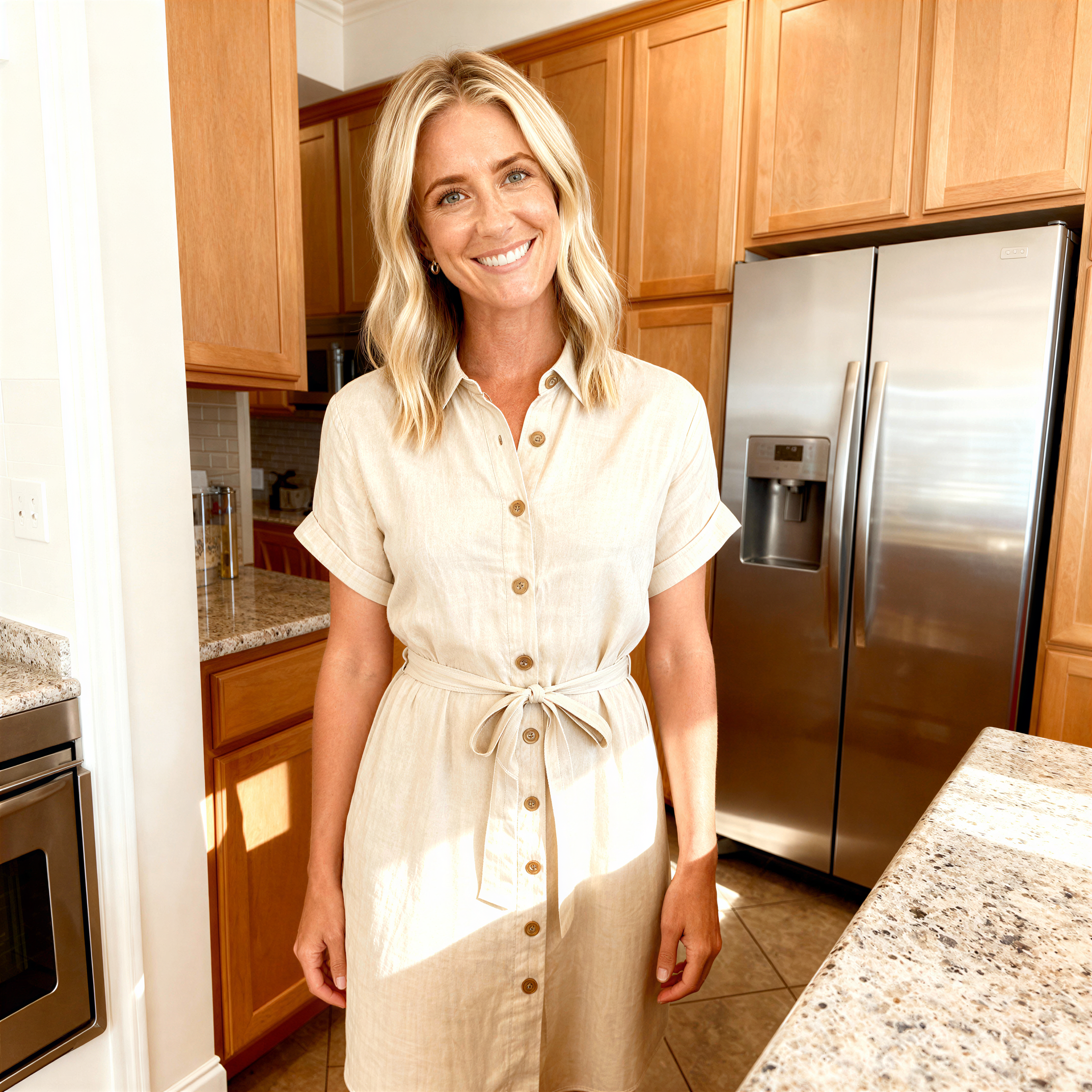
Animate a still portrait for a story or a profile loop.
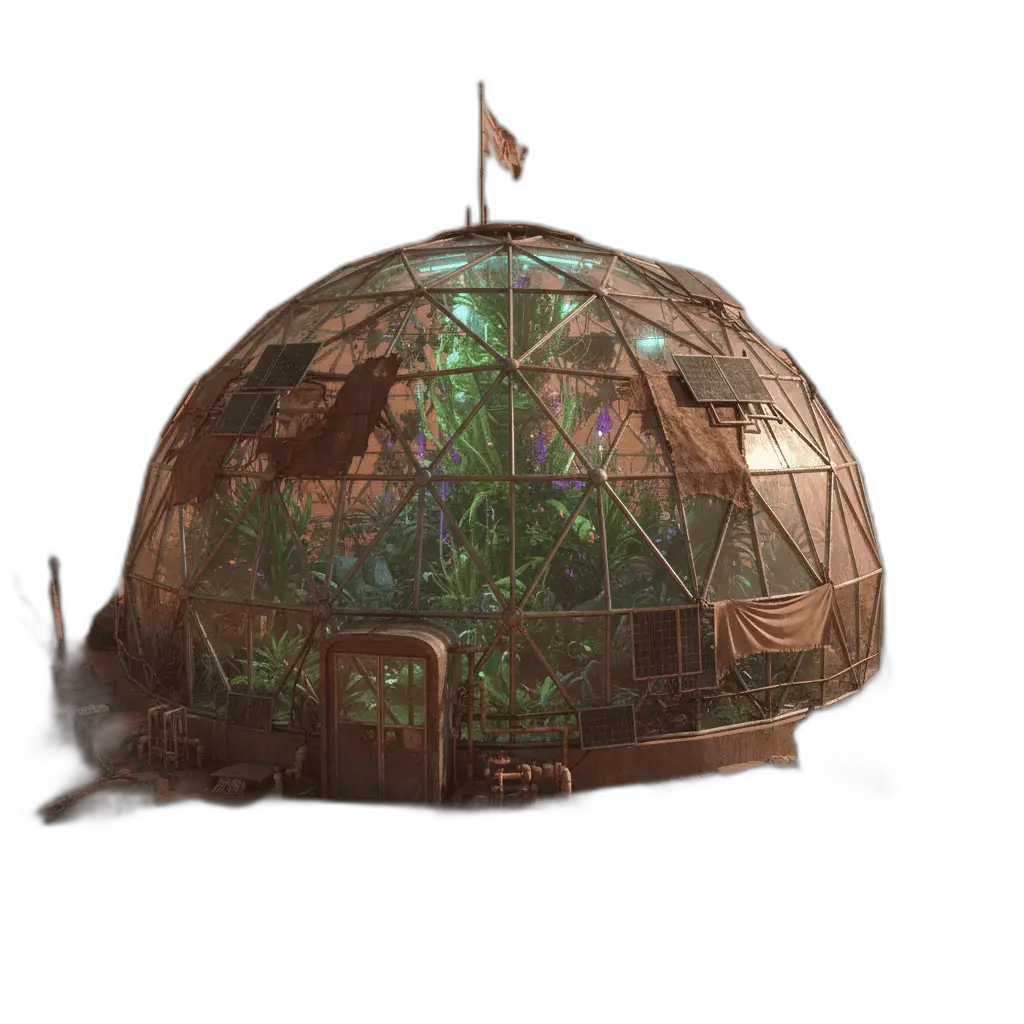
Add wind, water, or camera drift to a landscape still.
When the tool accepts a second still, use it to guide the motion path.
Learn what the tool does here, then create in a focused workspace built around the task.
Upload the frame you want to move. A second image is optional where the tool allows it.
All three models require a prompt that describes the motion.
Flux 3: 720p or 1080p, 5–20 seconds. Seedance 2.5: 480p or 720p, 4–30 seconds. H3 Max: 480p, 768p, or 1080p, 5–15 seconds.
The run control shows the credit cost for the current settings.
Turn a hero still into a few seconds of motion.
Add a short clip next to a static pack shot.
Show how a still environment could move.
Test camera moves before a longer production.
Drop, select, paste, or load the image URL in the central upload area.
Choose the available task and output options in the control rail.
Review the result in the workspace, then download it or continue with another image.
This page explains the tool and its use cases. The /app workspace is where creation happens.
Yes. This tool needs a source image, and the workspace supports file selection, drag and drop, paste, and image URLs.
Image inputs generally support JPG, PNG, and WEBP. The upload area shows the exact limits.
Yes. Download the result, revisit it from history, or use it as the next input where supported.
Flux 3 and Seedance 2.5 can generate synced audio. H3 Max follows the still image and does not expose an audio toggle.
Length depends on the model. The duration control lists the range. Auto (Flux 3 and Seedance) reserves credits as if the clip were 10 seconds.
Quality depends on the model and settings in the workspace. Download the result, then run again with a different prompt, model, or size if you need another take.
You can read this page without signing in. Creating in the workspace uses credits and requires an account.
Download the file you generate and use it in your projects. Read the current terms if you need commercial-use details.
Open the VibePicture workspace and turn your idea into a usable visual.
Open Studio