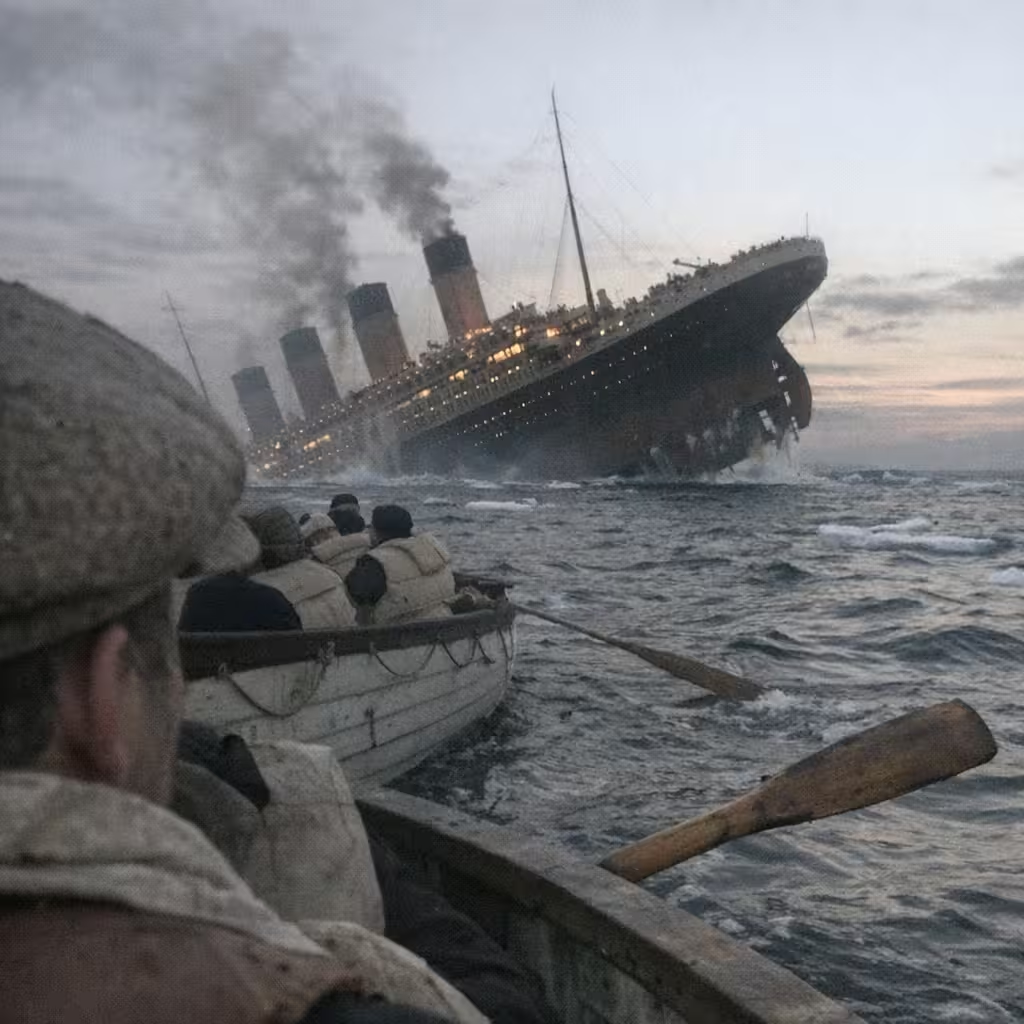
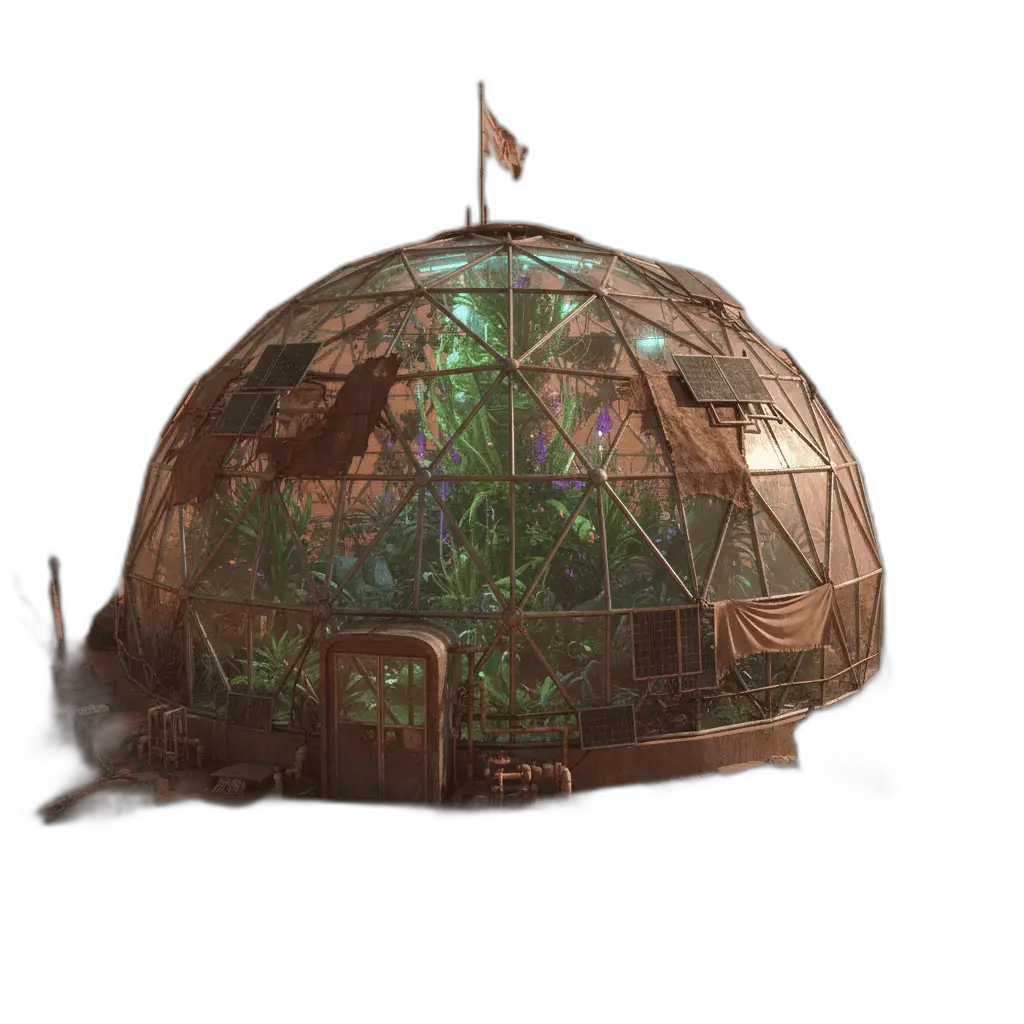
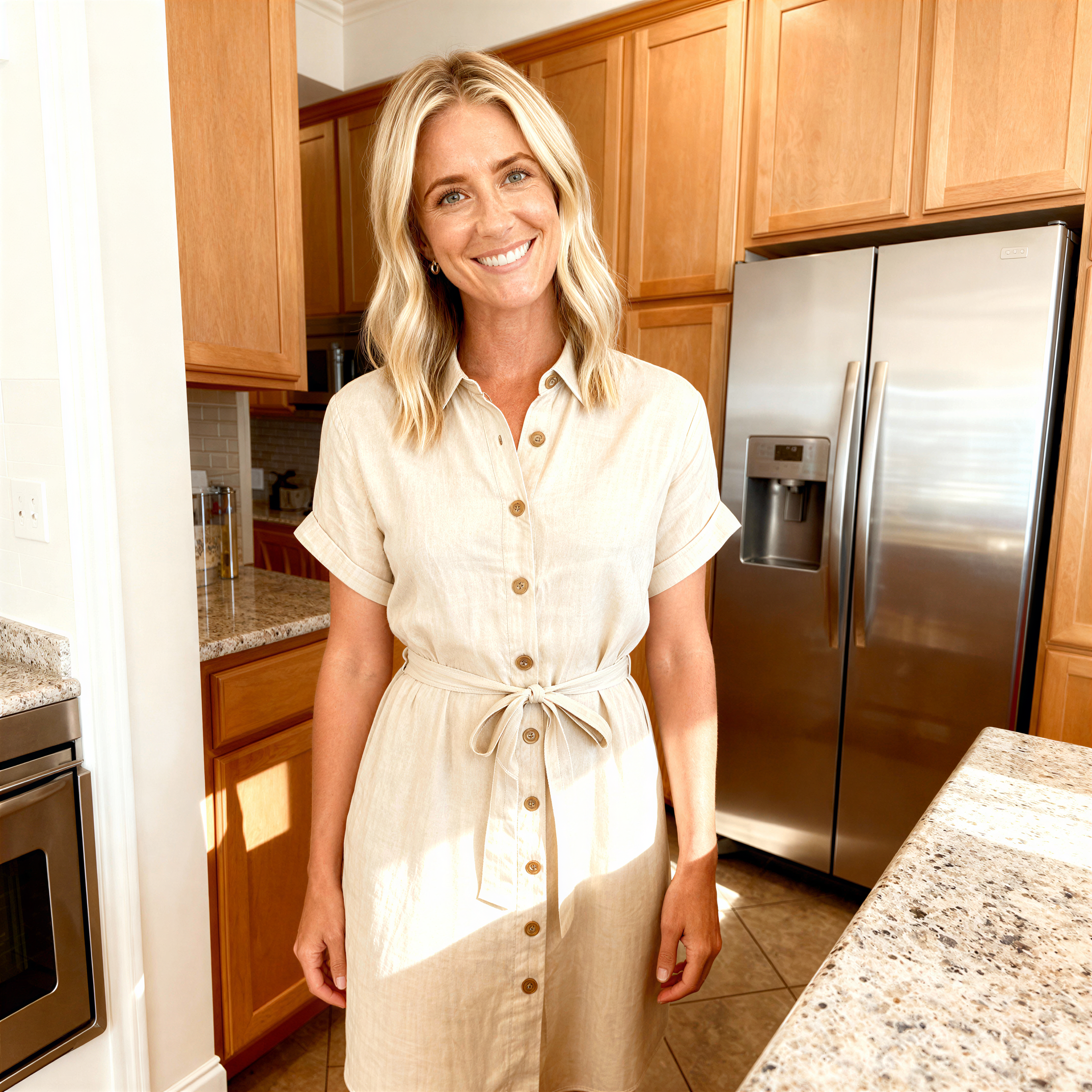
Restyle a photo
Keep the subject and change medium, lighting, or era.
Online tool
Transform your images with curated GPT style prompts. Upload an image and apply stunning visual styles.
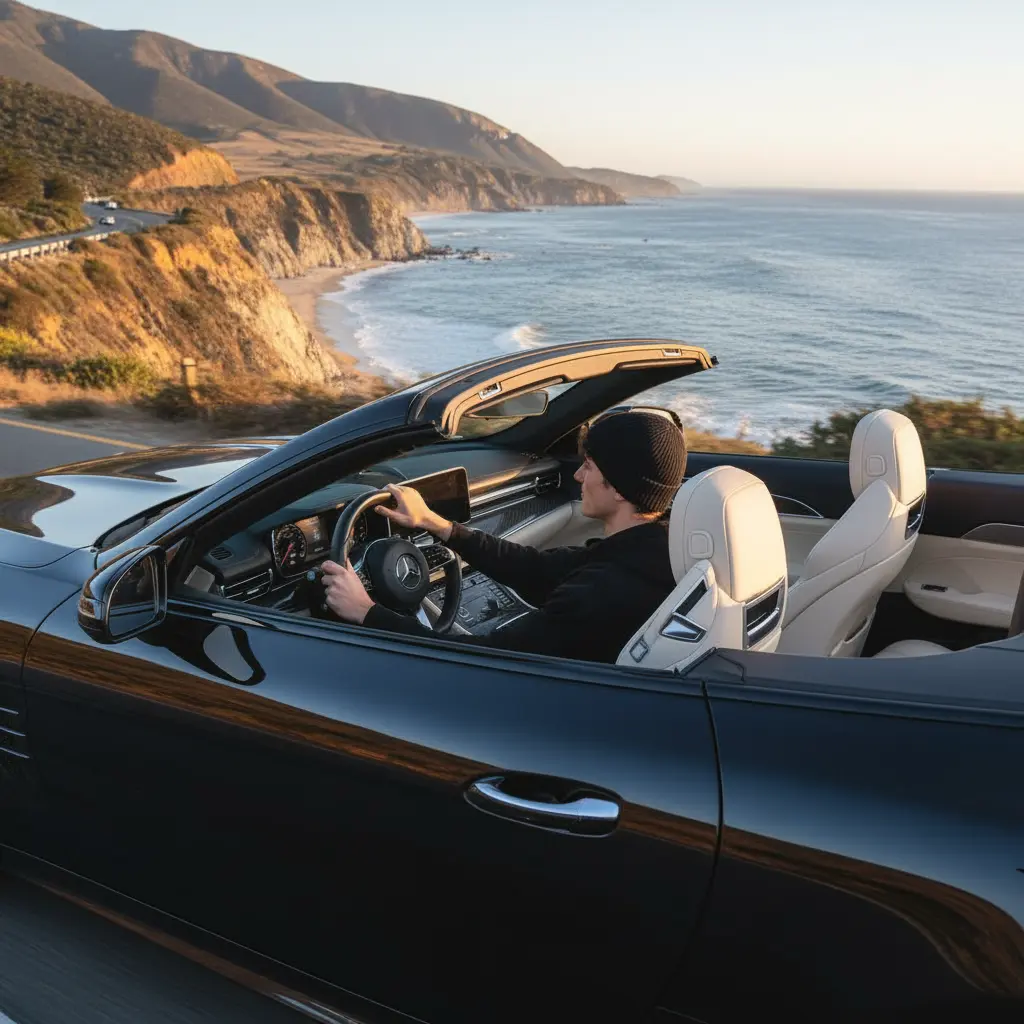
Image to image starts with a photo you already have. You upload it, write what should change, and keep pose, layout, or identity as the prompt asks. Use it for restyles, background swaps, and local edits rather than a blank-canvas picture.
Drop, paste, or load a URL on the canvas. The rail holds the prompt, model, and output options. History keeps the job so you can download it or send the result into another tool.
Keep the subject and change medium, lighting, or era.
Move the subject into a new background while holding pose.
Ask for wardrobe, color, or object changes without redrawing the whole frame.
Run the same source with a new instruction when you need another option.
Learn what the tool does here, then create in a focused workspace built around the task.
The canvas is an upload area. Click, drop, paste, or paste a URL.
Write the edit, not a full scene from scratch, unless you want a larger rewrite.
Pick a model that fits identity-preserving edits or a broader restyle.
Download or continue in video, upscale, or a style workspace.
Take one product shot and produce extra looks without a reshoot.
Change clothes, lighting, or setting while keeping the face.
Test materials or furniture on a room photo.
Show a client two directions from the same source.
Drop, select, paste, or load the image URL in the central upload area.
Choose the available task and output options in the control rail.
Review the result in the workspace, then download it or continue with another image.
This page explains the tool and its use cases. The /app workspace is where creation happens.
Yes. This tool needs a source image, and the workspace supports file selection, drag and drop, paste, and image URLs.
Image inputs generally support JPG, PNG, and WEBP. The upload area shows the exact limits.
Yes. Download the result, revisit it from history, or use it as the next input where supported.
A short instruction helps. Describe the change you want, not only the original photo.
Ask the prompt to keep identity. Results vary by model and how large the edit is.
Quality depends on the model and settings in the workspace. Download the result, then run again with a different prompt, model, or size if you need another take.
You can read this page without signing in. Creating in the workspace uses credits and requires an account.
Download the file you generate and use it in your projects. Read the current terms if you need commercial-use details.
Open the VibePicture workspace and turn your idea into a usable visual.
Open Studio