Readable in-image type
Posters, packaging, UI mockups, and signage where spelling and spacing matter.
Online tool
Create next-generation images and fine-grained edits with GPT Image 2. Supports text-to-image, image editing, and fine typography.
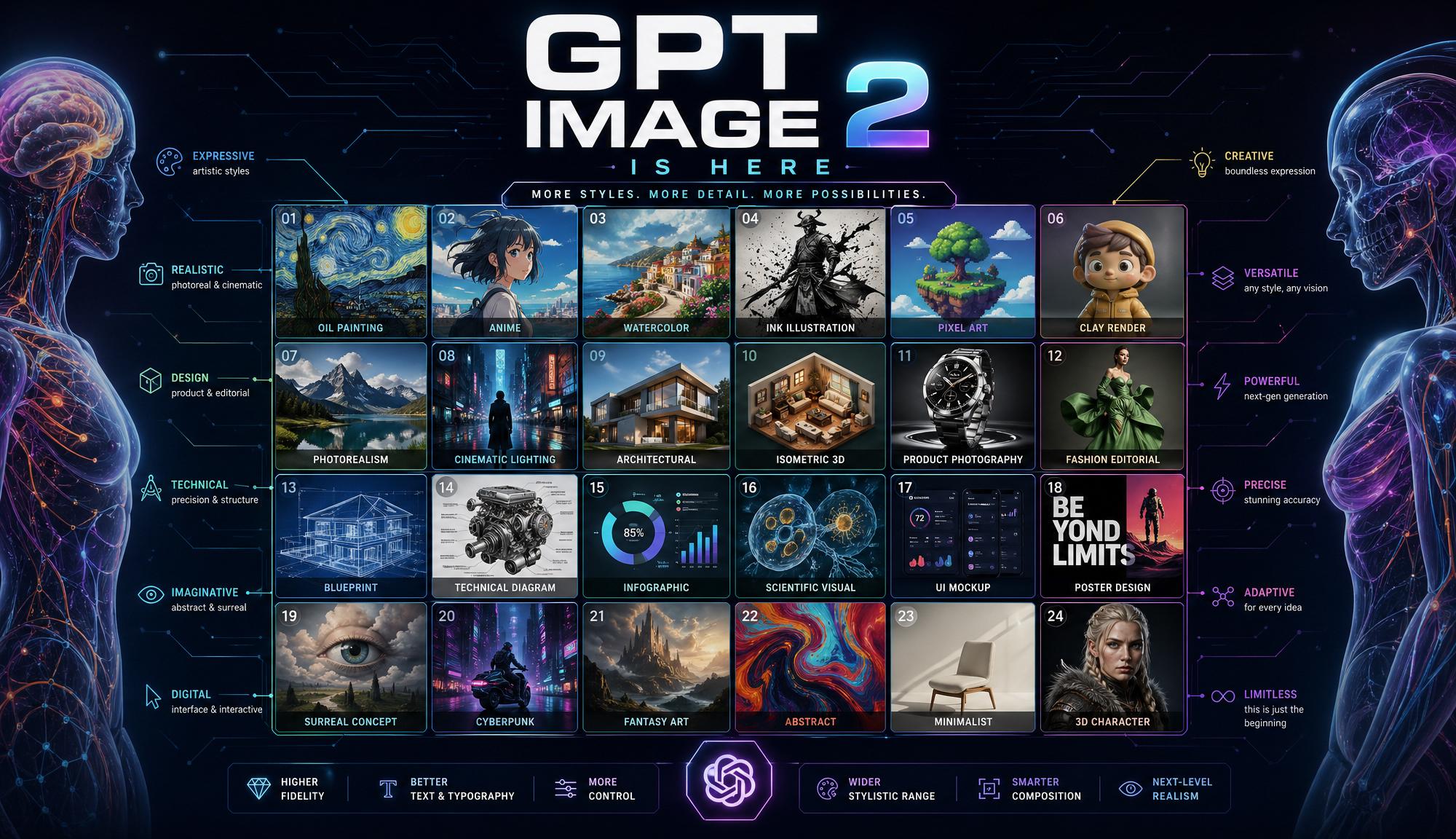
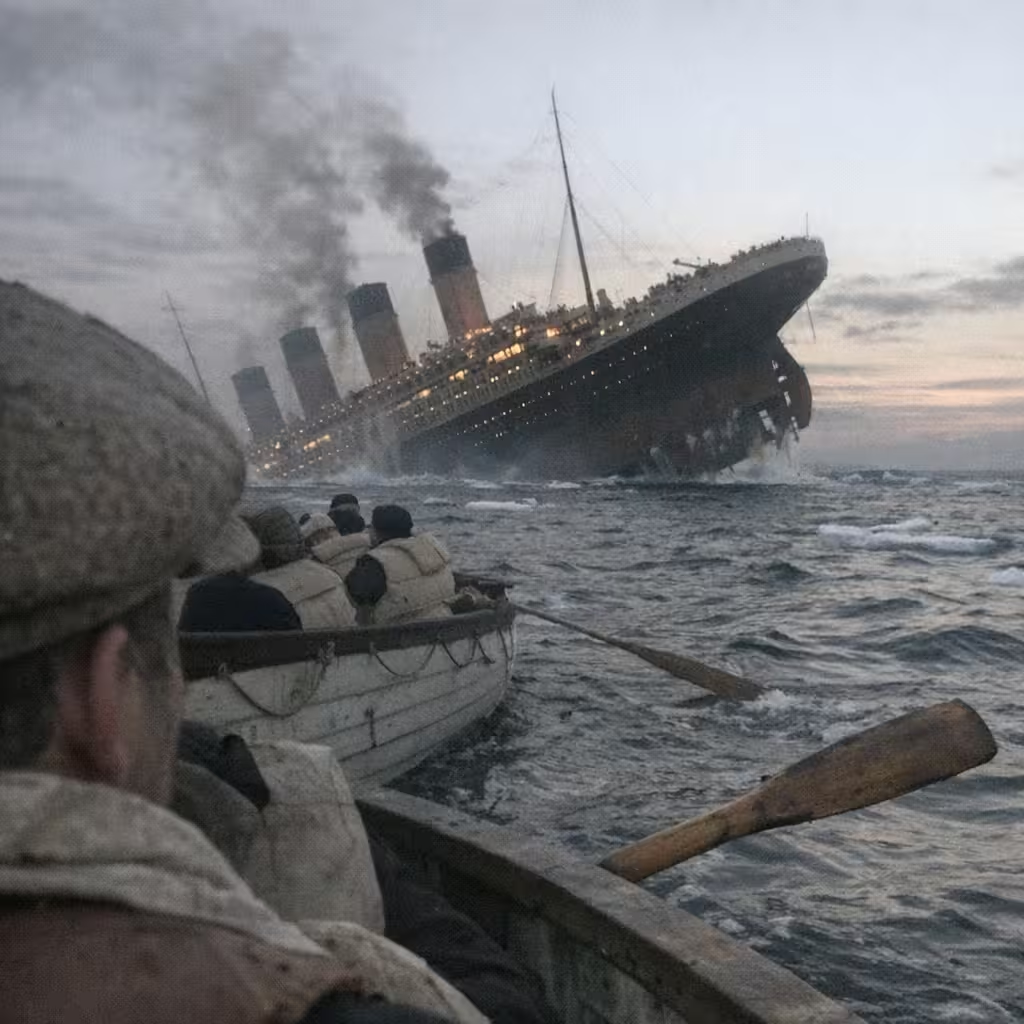
GPT Image 2 is OpenAI’s latest still-image model. It follows long prompts closely and is built for frames that need readable type, product labels, posters, and photoreal scenes. Open the text-to-image workspace from this page; the model dropdown lands on GPT Image 2.
Use it for a new picture from text, or add a reference photo later in the same workspace to edit. Quality in the rail changes cost and fidelity. Results save to History.
Posters, packaging, UI mockups, and signage where spelling and spacing matter.
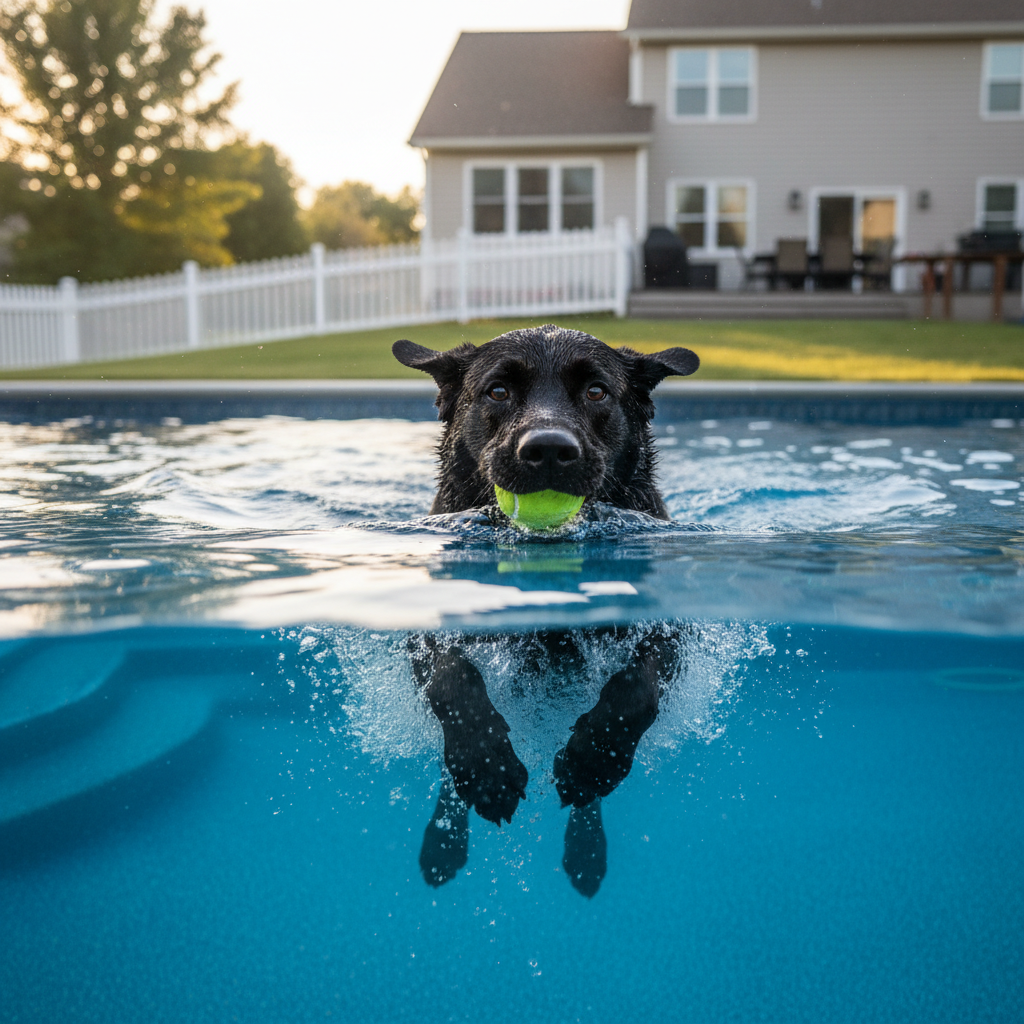
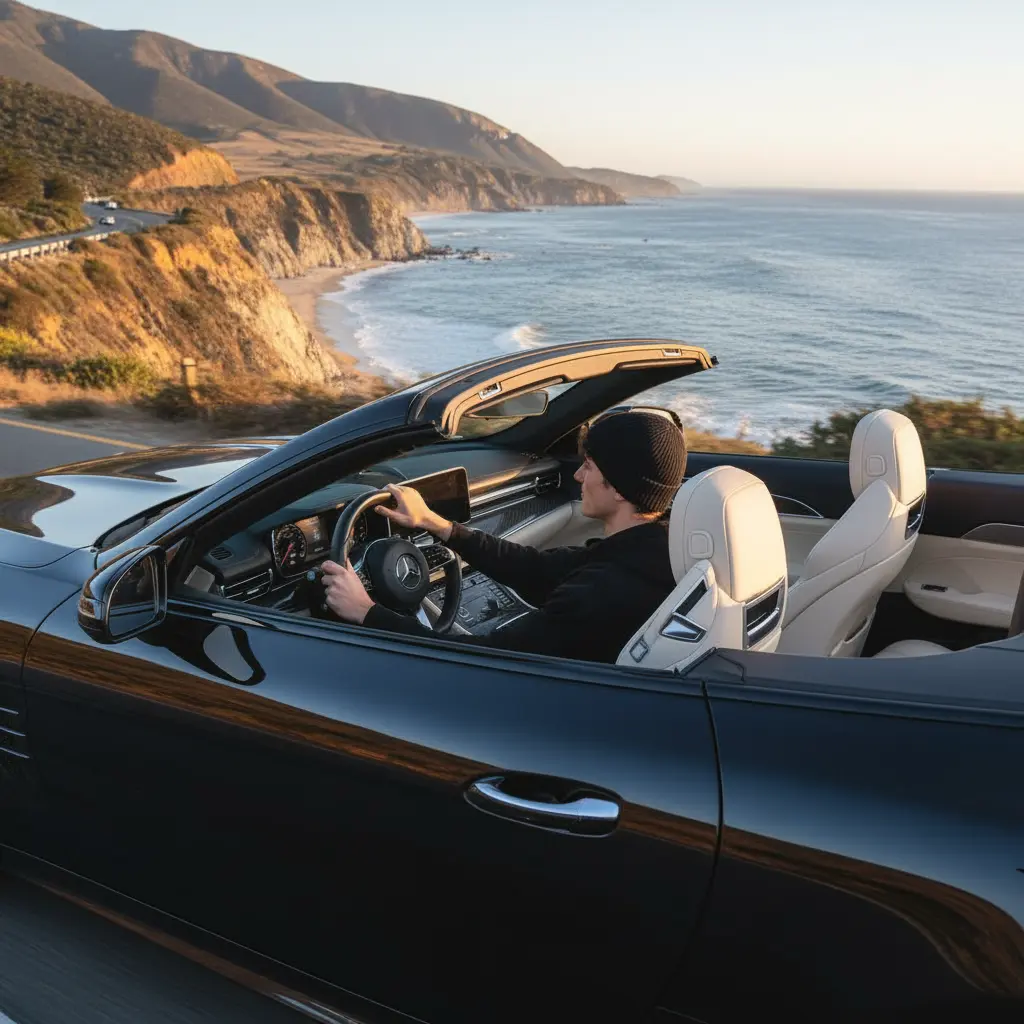
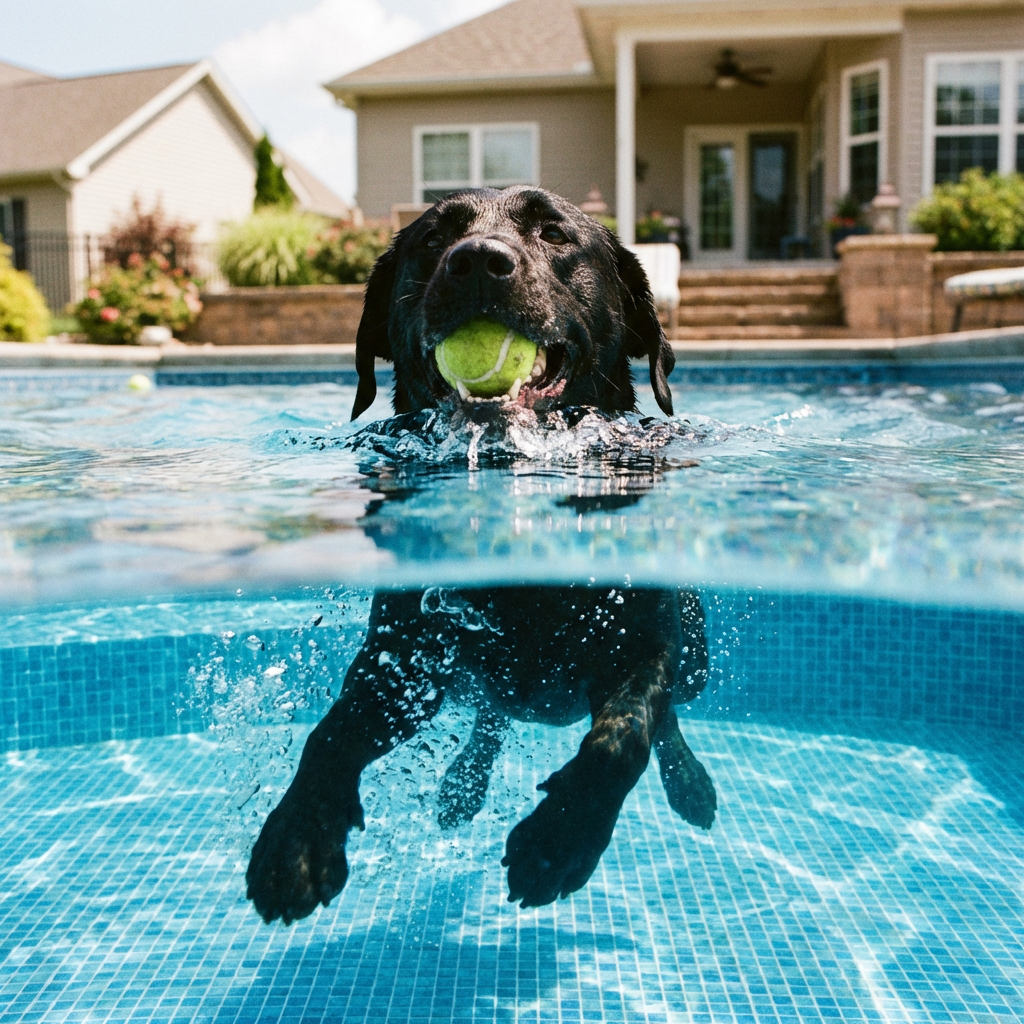
Lighting and materials for product and editorial stills.
Keep composition and constraints from a multi-part brief.
Useful when the picture itself must carry Chinese, Japanese, or Korean text.
Learn what the tool does here, then create in a focused workspace built around the task.
The studio opens text-to-image with GPT Image 2 already chosen.
Low, medium, or high. Higher quality uses more credits.
Square HD and common portrait or landscape frames.
Add a source image in the same workspace when you need a local change.
Hero stills with a headline that must stay legible.
Early screens and box art before a photoshoot.
Covers and infographic-style frames.
Social stills that include CJK copy in the picture.
Write a clear prompt describing the image you want to create.
Choose the available task and output options in the control rail.
Review the result in the workspace, then download it or continue with another image.
This page explains the tool and its use cases. The /app workspace is where creation happens.
No. This tool starts from a text prompt; an image upload is not required.
Image inputs generally support JPG, PNG, and WEBP. The upload area shows the exact limits.
Yes. Download the result, revisit it from history, or use it as the next input where supported.
No. VibePicture runs GPT Image 2 in the text-to-image workspace. Credit cost is shown on Run.
Yes. Open the workspace, keep GPT Image 2 selected, and add a source image.
Quality depends on the model and settings in the workspace. Download the result, then run again with a different prompt, model, or size if you need another take.
You can read this page without signing in. Creating in the workspace uses credits and requires an account.
Download the file you generate and use it in your projects. Read the current terms if you need commercial-use details.
Open the VibePicture workspace and turn your idea into a usable visual.
Open Studio