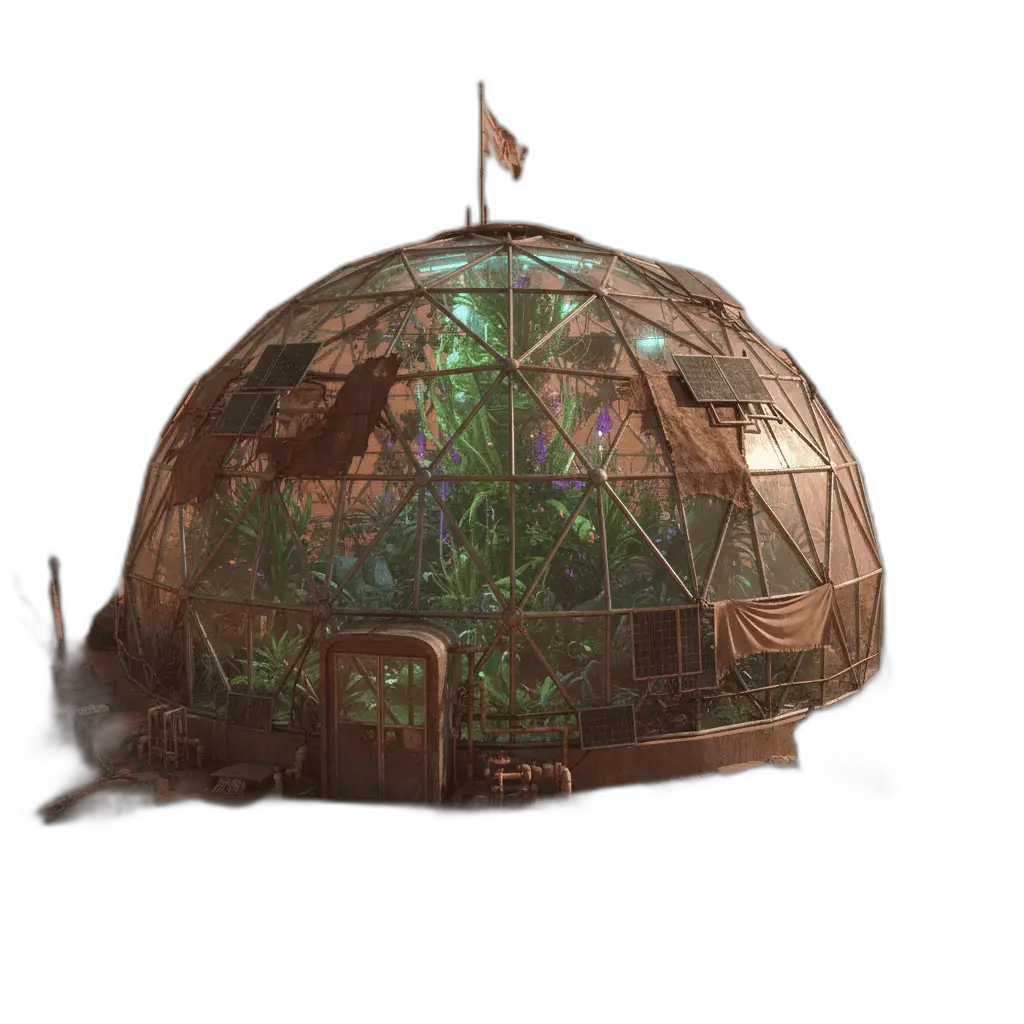
Sticker borders
A white or colored edge around a cutout.
Online tool
Add a clean outline to any image. Transparent PNGs are outlined directly; opaque images have the background removed first.

Image outliner draws a stroke around the subject. Transparent PNGs are outlined as they are. Opaque photos have the background removed first. Use it for stickers, slides, and marketplace thumbnails.
Upload, pick color and thickness, then process. Download a PNG with the stroke baked in.
A white or colored edge around a cutout.
A person or product that reads on a busy slide.
A hard edge so the subject pops in a grid.
A simple stroke for a pack or a badge.
Learn what the tool does here, then create in a focused workspace built around the task.
Set the stroke in the rail.
Opaque images can be cut out before the stroke.
Keep transparency around the outline.
Run background remover first if you want a known cutout.
A die-cut look without a full sticker restyle.
A speaker or product that does not disappear into the slide.
A device or icon with a consistent edge.
A simple outlined object to color.
Drop, select, paste, or load the image URL in the central upload area.
Choose the available task and output options in the control rail.
Review the result in the workspace, then download it or continue with another image.
This page explains the tool and its use cases. The /app workspace is where creation happens.
Yes. This tool needs a source image, and the workspace supports file selection, drag and drop, paste, and image URLs.
Image inputs generally support JPG, PNG, and WEBP. The upload area shows the exact limits.
Yes. Download the result, revisit it from history, or use it as the next input where supported.
No. It adds a stroke around the existing subject.
The outline is applied directly. Background removal is skipped.
Quality depends on the model and settings in the workspace. Download the result, then run again with a different prompt, model, or size if you need another take.
You can read this page without signing in. Creating in the workspace uses credits and requires an account.
Download the file you generate and use it in your projects. Read the current terms if you need commercial-use details.
Open the VibePicture workspace and turn your idea into a usable visual.
Open Studio