Studio portraits
Even light on a face that was shot under mixed indoor lamps.
Online tool
Adjust and enhance images with different lighting styles, output 4K resolution photos
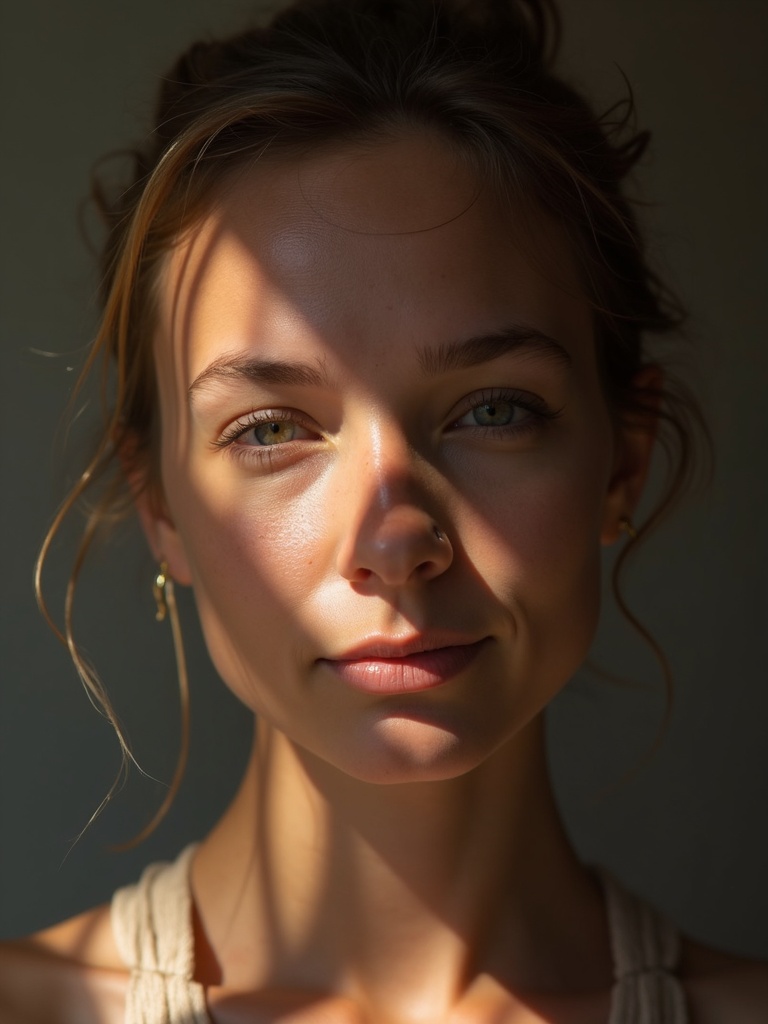
Relighting keeps the subject and changes the light. Studio, golden hour, rim light, and other looks sit in the rail. Use it on portraits and product stills when the pose is right and the original light is not.
Upload a still, pick a lighting style, and generate. The workspace is built for a high-resolution still. Download and compare against the source.
Even light on a face that was shot under mixed indoor lamps.
A warm key without waiting for sunset.
A harder side light on a pack or object.
Aim the still at an existing lighting reference.
Learn what the tool does here, then create in a focused workspace built around the task.
Pick a named look instead of writing a full lighting plot.
The edit should not restyle clothes or identity by default.
Use it when you need a large still, not a tiny preview.
Keep the original and the relit frame together.
Rescue a face shot under office light.
Match several products to one lighting setup.
Try sunset or studio without a second shoot.
Shift day interior toward a cooler or warmer key.
Drop, select, paste, or load the image URL in the central upload area.
Choose the available task and output options in the control rail.
Review the result in the workspace, then download it or continue with another image.
This page explains the tool and its use cases. The /app workspace is where creation happens.
Yes. This tool needs a source image, and the workspace supports file selection, drag and drop, paste, and image URLs.
Image inputs generally support JPG, PNG, and WEBP. The upload area shows the exact limits.
Yes. Download the result, revisit it from history, or use it as the next input where supported.
It may adjust the ground to match the new light. Ask the prompt to keep the room if that matters.
Use the closest named style, then refine in image to image if you need a unique plot.
Quality depends on the model and settings in the workspace. Download the result, then run again with a different prompt, model, or size if you need another take.
You can read this page without signing in. Creating in the workspace uses credits and requires an account.
Download the file you generate and use it in your projects. Read the current terms if you need commercial-use details.
Open the VibePicture workspace and turn your idea into a usable visual.
Open Studio