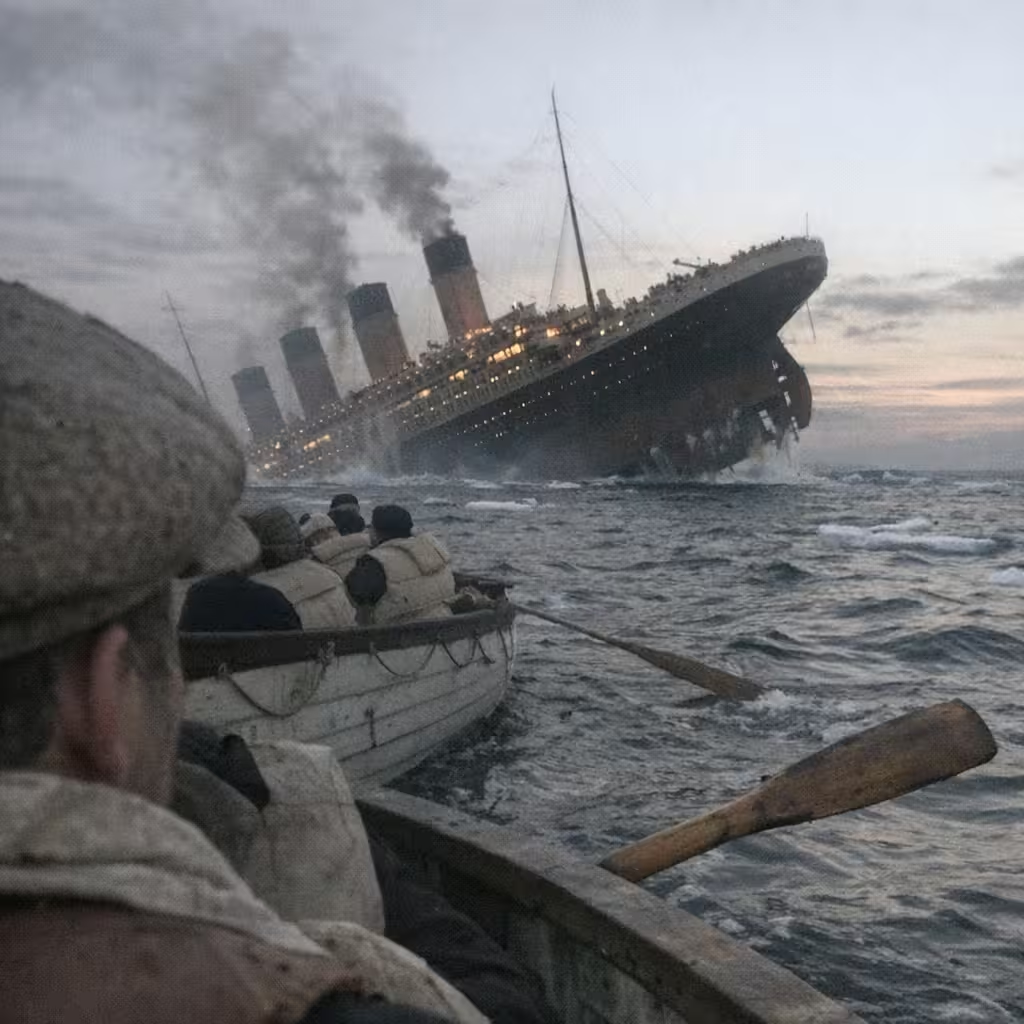
Complex layouts
Several objects, a diagram, or a dense poster.
Online tool
Create stunning images with Nano Banana Pro. Supports text-to-image and image editing capabilities.

Nano Banana Pro is Google’s higher-reasoning image model in this studio. It is slower than Nano Banana 2 and better when the brief is complex: infographics, multi-object layouts, and type-heavy frames. This page opens text-to-image with Nano Banana Pro selected.
It may not sit in the default dropdown until you arrive from here. After that, it stays in the list for the session so you can keep generating.
Several objects, a diagram, or a dense poster.
Letters that have to stay readable.
When a first Flash pass is not enough.
Add photos when the workspace should restyle or composite.
Learn what the tool does here, then create in a focused workspace built around the task.
The dropdown selects Nano Banana Pro.
Pro costs more than Nano Banana and Nano Banana 2. The button shows the amount.
Prompt on the canvas, model in the rail.
Store and download from History.
A labeled diagram or how-to frame.
A single expensive still worth the extra credits.
A group or a packed table that Flash flattened.
A tighter match to a written art direction.
Write a clear prompt describing the image you want to create.
Choose the available task and output options in the control rail.
Review the result in the workspace, then download it or continue with another image.
This page explains the tool and its use cases. The /app workspace is where creation happens.
No. This tool starts from a text prompt; an image upload is not required.
Image inputs generally support JPG, PNG, and WEBP. The upload area shows the exact limits.
Yes. Download the result, revisit it from history, or use it as the next input where supported.
The default list keeps everyday models short. This landing adds Pro and selects it.
Start on 2 for speed. Open Pro when the Flash result misses structure or type.
Quality depends on the model and settings in the workspace. Download the result, then run again with a different prompt, model, or size if you need another take.
You can read this page without signing in. Creating in the workspace uses credits and requires an account.
Download the file you generate and use it in your projects. Read the current terms if you need commercial-use details.
Open the VibePicture workspace and turn your idea into a usable visual.
Open Studio