
AI Relighting is Now Live - Transform Your Images with Professional Lighting Styles
•4 minutes to read
#relighting#ai-image-editing#new-feature#lighting#4k
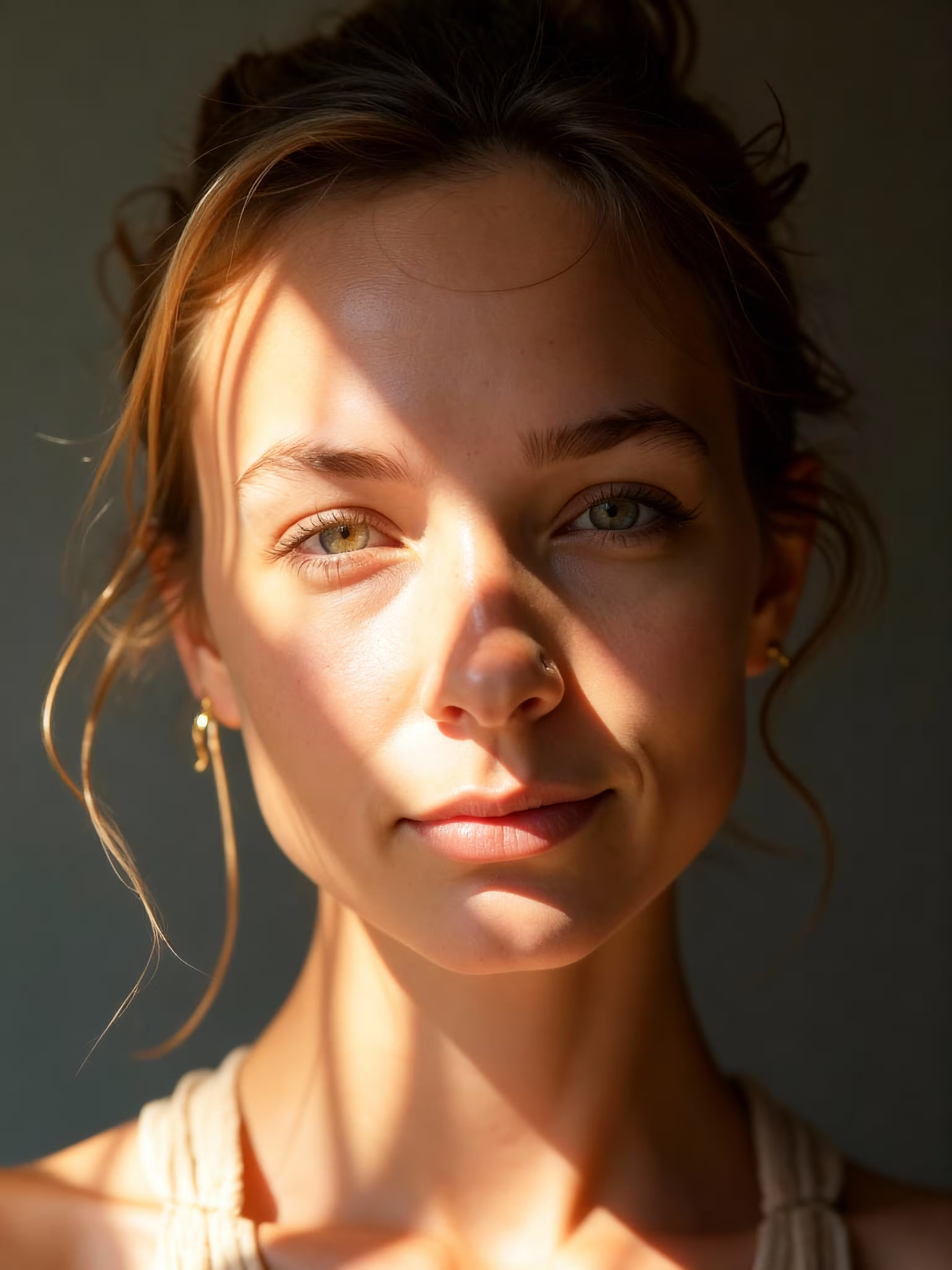
We're excited to announce the launch of AI Relighting, a revolutionary new feature that allows you to transform your images with professional lighting styles! Whether you want to add dramatic lighting, create a studio look, or capture the warm glow of golden hour, AI Relighting makes it effortless to enhance your photos with stunning 4K resolution output.
AI Relighting is an advanced image enhancement tool that intelligently adjusts and enhances your images with different lighting styles. Simply upload your image, select your preferred lighting style, and watch as AI transforms your photo with professional-grade lighting effects—all while maintaining the highest quality with 4K resolution output.
AI Relighting offers 16 carefully curated lighting styles to suit any creative vision:
Perfect for maintaining the authentic look of your image with natural, balanced lighting.
Professional studio-quality lighting that makes your subject pop with clean, even illumination.
The warm, magical glow of golden hour—perfect for portraits and landscapes.
The cool, serene lighting of twilight, ideal for creating moody and atmospheric images.
High-contrast lighting that adds depth and intensity to your images.
Gentle, diffused lighting that creates a dreamy, ethereal atmosphere.
Sharp, directional lighting that creates strong shadows and highlights.
Stunning silhouettes and rim lighting effects.
Classic side lighting that sculpts your subject with beautiful shadows.
Even, flattering front lighting perfect for portraits.
Elegant edge lighting that separates your subject from the background.
The warm, romantic glow of sunset lighting.
Fresh, soft morning light with a gentle warmth.
Vibrant, colorful neon lighting for a modern, urban aesthetic.
Intimate, warm lighting with the soft glow of candlelight.
Cool, mysterious moonlight that creates a nocturnal atmosphere.
Using AI Relighting is incredibly simple:
Upload your image file or paste an image URL. The tool supports various image formats including JPG, PNG, WEBP, and HEIC.
Choose your desired aspect ratio:
Select from 16 professional lighting styles that best match your creative vision.
Click the generate button and watch as AI transforms your image with professional lighting effects. Your enhanced image will be output in stunning 4K resolution!
Transform your photos with professional lighting without expensive equipment or complex editing software. Perfect for:
Add artistic flair to your images with dramatic or stylized lighting:
Create high-quality, professionally lit images for:
Enhance your content with cinematic lighting:
Unlike other AI image editing tools, AI Relighting doesn't require you to write detailed prompts. Simply select your lighting style and let AI do the work.
Powered by advanced AI models, AI Relighting produces results that rival professional photo editing, all in stunning 4K resolution.
Get professional lighting effects in seconds, saving hours of manual editing work.
With 16 different lighting styles, you can achieve a wide range of looks from subtle enhancements to dramatic transformations.
Ready to transform your images with professional lighting? Visit our AI Relighting page and start creating stunning, professionally lit images in 4K resolution!
Whether you're a photographer, content creator, or just someone who loves beautiful images, AI Relighting makes it easy to achieve professional results with just a few clicks.
Related Links:
Tags: #AIRelighting #ImageEditing #Lighting #4K #PhotoEnhancement #AITools #NewFeature #VibePicture