
Tưởng tượng. Tạo ra. .
Viết mô tả, hoặc thả một tấm ảnh.
Tài khoản mới được 3 credit. Đăng nhập khi tạo ảnh.



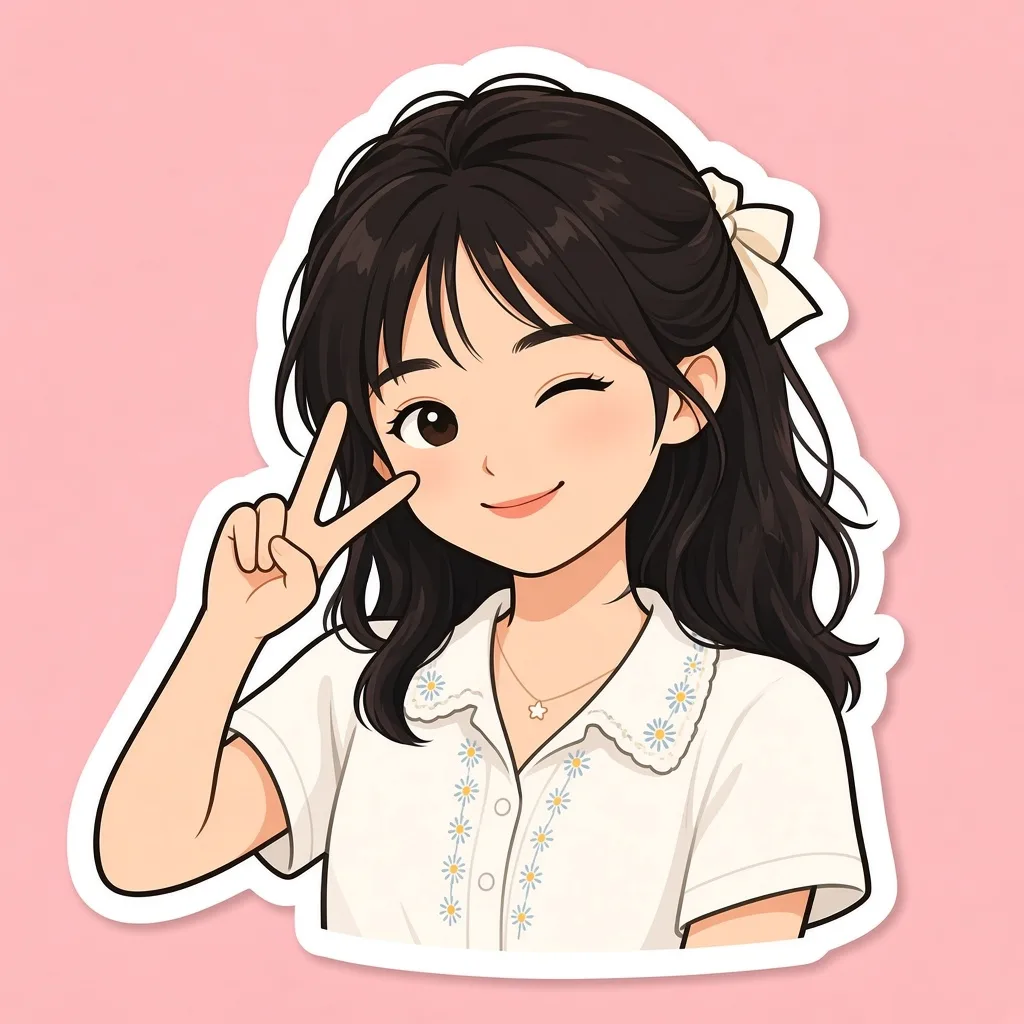
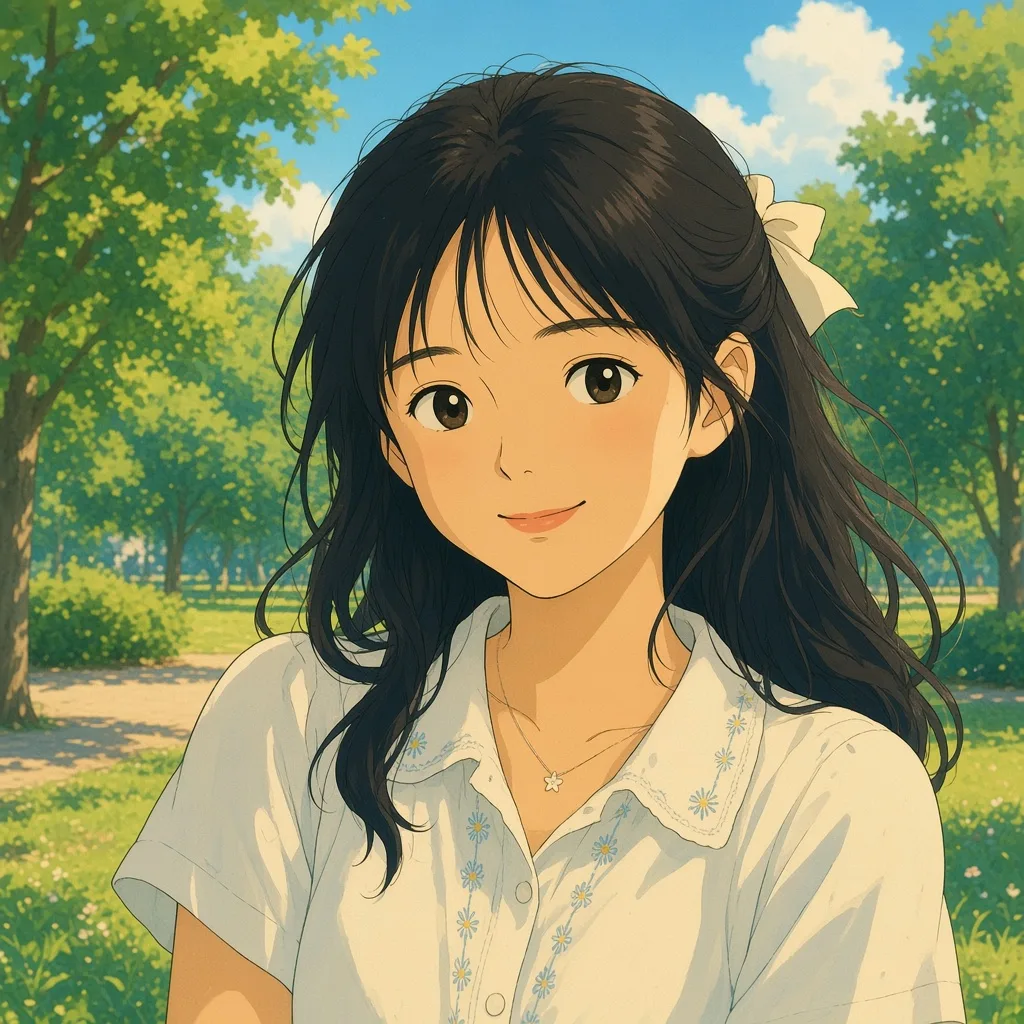
Browse inspiration
Open any card to start in the workspace.
Trình chỉnh sửa phong cách
Curated editing styles. Open one and upload a photo.
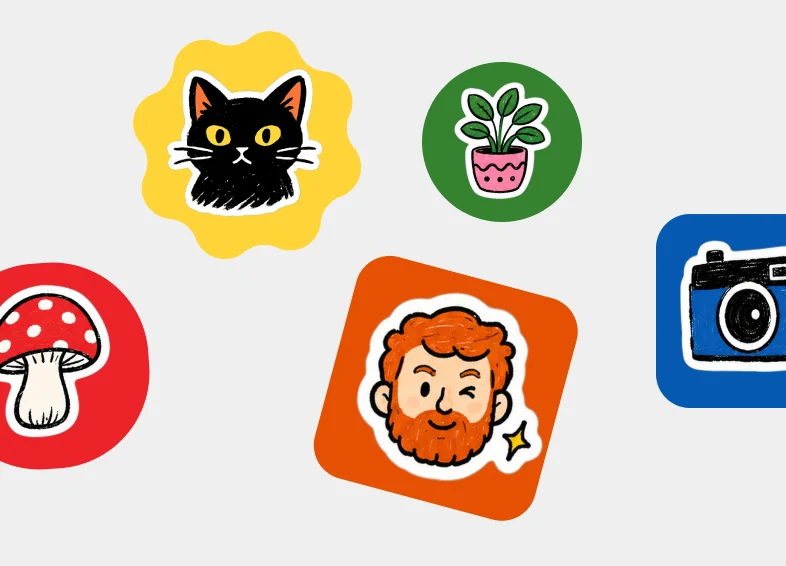
Create a set of colorful illustrated stickers scattered on a light gray background. Each sticker is a hand-drawn illustration with a thick white die-cut border, sitting on a bold colored badge (circle, rounded square, or scalloped burst). Mix playful everyday subjects. Bright flat fills, chunky ink outlines, and a sticker-pack collage layout. No photo-realism.
Stickers
Open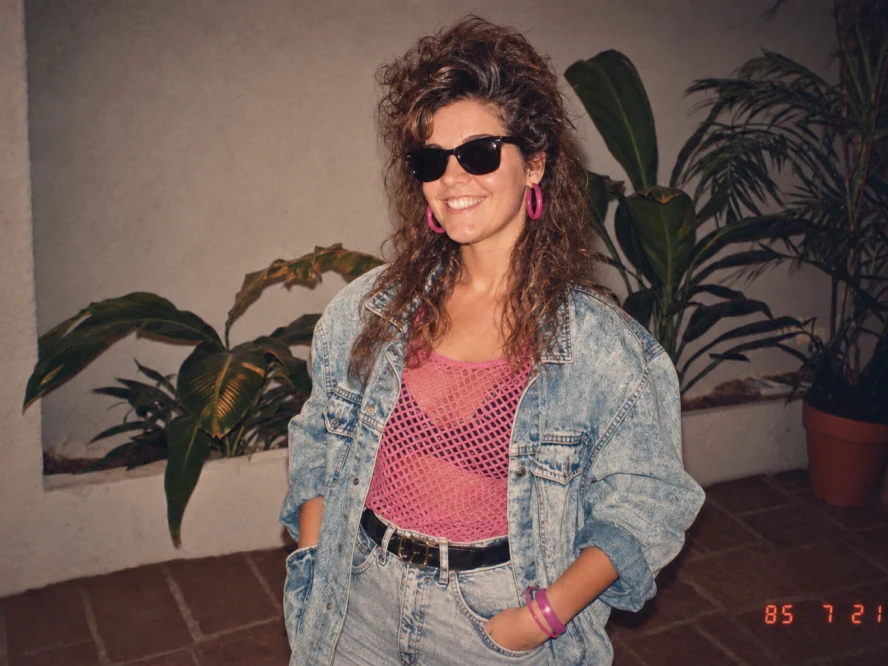
Transform the uploaded photo into an ’80s flashback snapshot. Restyle the subject with a teased curly perm, black sunglasses, bright pink hoop earrings, a pink mesh top, an oversized acid-wash denim jacket, high-waist jeans, and a black belt. Place them in front of indoor plants against a stucco wall. Keep the face recognizable. Warm analog film, slightly faded colors, and a red-orange date stamp in the corner.
’80s flashback
Open
Add a hand drawn overlay on top of the image. Final output should be stylish, relaxed and effortlessly casual. Drawing rules: Use thin, hand-drawn lines as if drawn with a white pen. Keep it in a single-stroke style: rough and slightly uneven. Add outlines tracing around the outer edges of objects. Use arrows or dotted lines to guide the viewer's eye. Text rules: Handwritten text. Keep it short, like a casual inner monologue. Tone: diary-like, brief, and emotion-focused. Commentary should be positive and sweet. Decorations: Add steam, sparkles, hearts, small emoticon-like faces sparingly. Avoid overdoing it; leave some "negative space".
Handwritten notes
Open
Transform this image into a realistic mid-century modern interior with clean lines, warm natural materials, sculptural furniture, bright natural cinematic lighting, that highlights textures of the room. Keep the space photorealistic, like a high-end editorial interior photograph.
Interior design
Open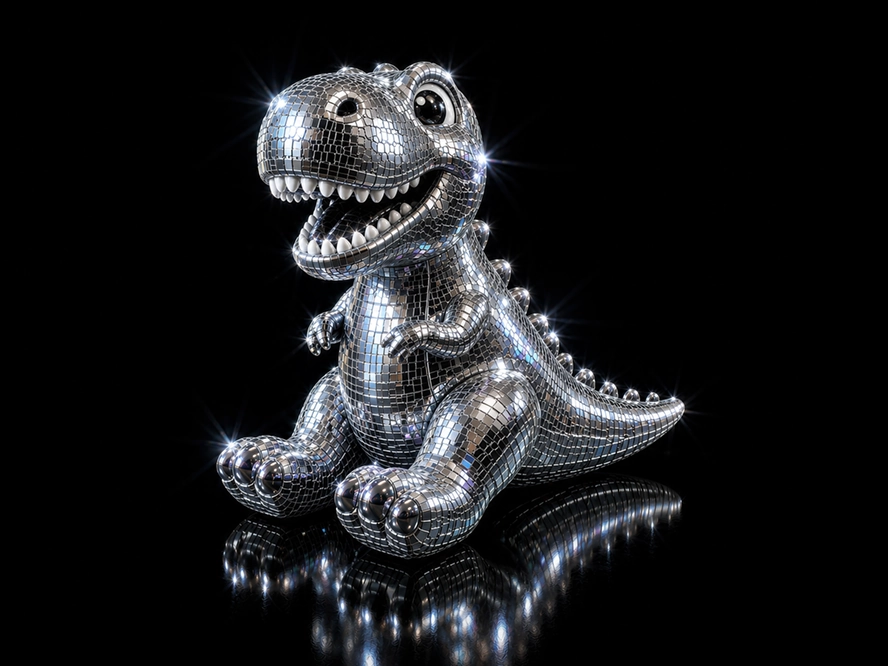
Transform the uploaded image into a glamorous disco-ball version of itself while preserving the original silhouette, composition, key recognizable features, and subtle tonal colors. Style it as if the subject is made from tiny mirrored square tiles, like a 1970s disco ball: chrome, silver, reflective glass, beveled edges, and subtle grout lines between tiles. Add bright white sparkle flares and small iridescent highlights across the mirrored surface. Use dramatic studio lighting on a pure black background, with high contrast, glossy reflections, and a luxurious nightclub feel. Keep the object centered and iconic, with a polished 3D look.
Disco mode
Open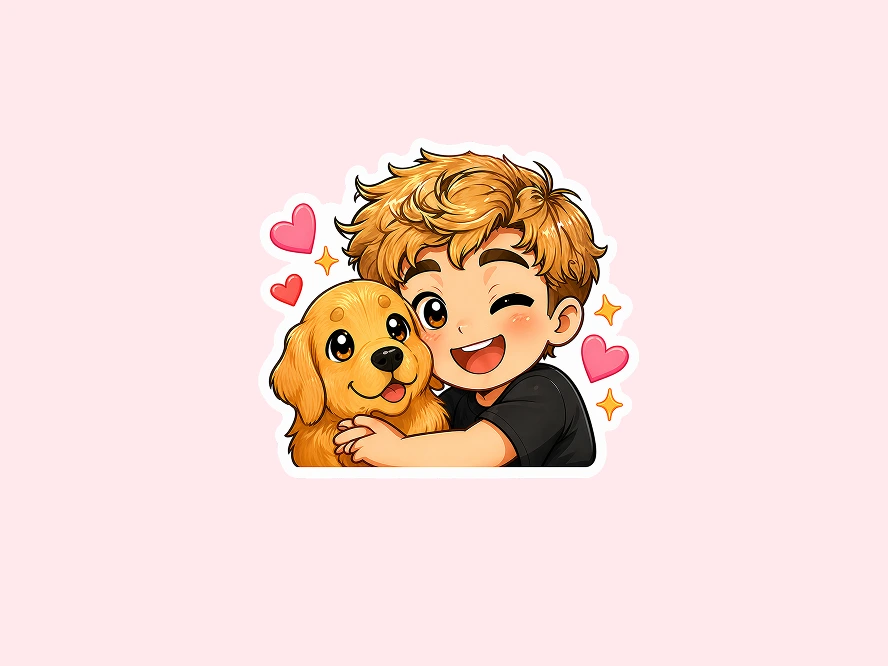
Using the uploaded photograph, create a cute illustrated chibi sticker-pack. Clean, white background, vertical output with a thick white border. Create diverse cute expressions: laughing, crying, sleepy, surprised, confused, eating, grumpy, cute expressions… Each expression should include cute text, for example: Good morning! Whattt? / Huh? / I'm reminding you! / So sleepy / Wow! Approved! / Nice! / Hey you! Achoo! / Angry! / Huh??? / Good night :3 / Too cuteee / Am I cool yet?!
Chibi stickers
OpenSáng tạo vô tận
Explore AI creative recipes. Open any idea and start creating.
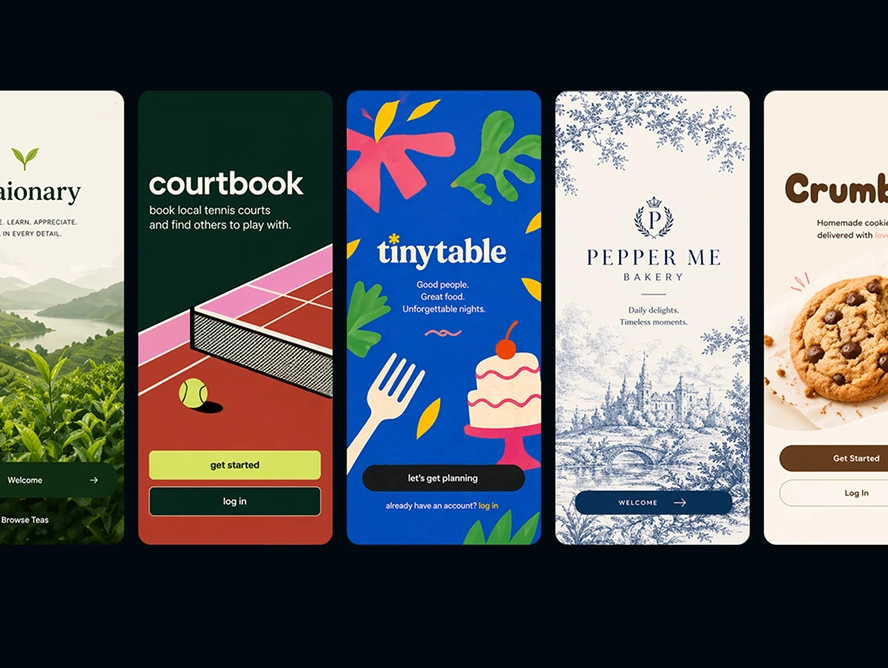
Create a 5.5x3 mockup image of a new design-forward app with a cohesive design system. Show one mobile welcome screen with no photography, one mobile home-page screen, and two product or service pages. Include nothing else in the mockup image.
App design
Open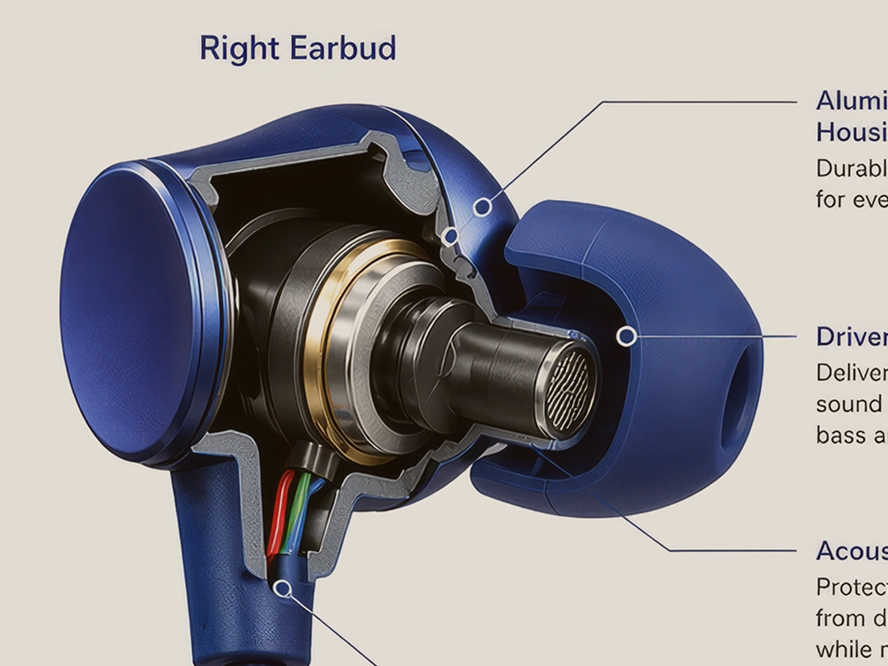
Transform the main subject of the uploaded image into a clean educational cutaway diagram on a white background. Keep the subject's distinctive features from the original image, show a believable cross-section or layered interior, and add clear labeled callouts. Make it look like a textbook or museum science graphic, with clarity and accuracy prioritized over dramatic or artistic styling.
Cross section
Open
Create a single-subject blueprint poster using only the main subject from the uploaded image. Render it as a clean white technical line drawing on a deep cobalt-blue blueprint background with a subtle grid. Use flat 2D schematic linework, orthographic contours, construction lines, measurement ticks, arrows, and minimal technical labels. The composition may also include 2-3 smaller inset studies or alternate views. Keep the layout simple and balanced with no shading, no 3D, no lighting, no extra objects.
Blueprint poster
Open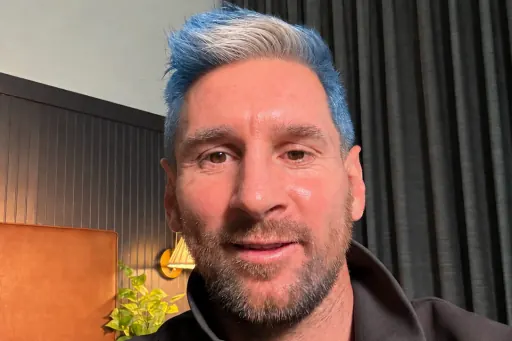
Change my hair to the colors of the selected country's national flag while keeping the result natural and preserving the rest of the image.
Messi mode
Open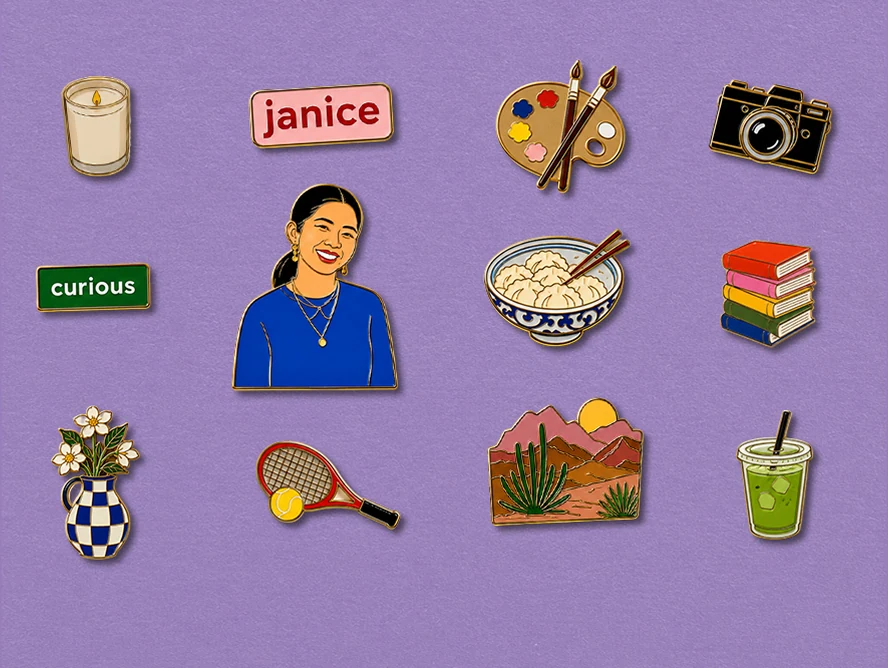
Using the uploaded portrait and provided personal details, create a set of eight hyper-real illustrated enamel pins in a 4:5 image. Include one medium portrait pin, one small pin with a word that describes me, and one small pin with my name. Use bold flat forms, bright colors, and an eye-catching finish.
Pin collection
Open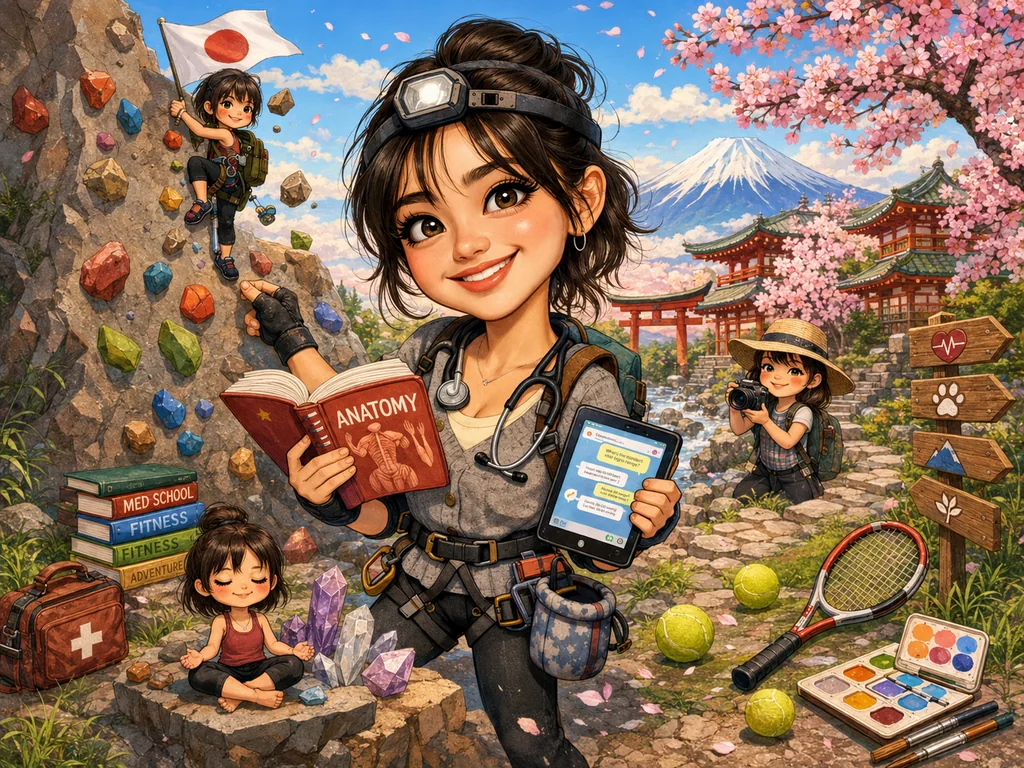
Create a caricature of me and my job based on everything you know about me.
Create a caricature
OpenKhám phá tính năng của chúng tôi
Chọn từ các công cụ AI mạnh mẽ của chúng tôi để biến tầm nhìn sáng tạo của bạn thành hiện thực
Văn bản thành hình ảnh
Biến văn bản thành hình ảnh tuyệt đẹp ngay lập tức và dễ dàng.
Prompt mẫu
"Một cảnh quan núi thanh bình lúc hoàng hôn với màu sắc rực rỡ tô điểm bầu trời"

Hình ảnh thành hình ảnh
Tưởng tượng lại hình ảnh của bạn trong khi giữ nguyên cấu trúc và bố cục ban đầu.
Prompt mẫu
"Chuyển đổi hình ảnh này sang phong cách vẽ màu nước"

Ảnh thành video
Biến ảnh tĩnh thành video ngắn có chuyển động.
Prompt mẫu
"Máy quay từ từ tiến gần, người quay đầu, gió thổi bay áo"
Câu hỏi thường gặp
Tìm câu trả lời cho các câu hỏi thường gặp về VibePicture
VibePicture là một nền tảng tạo và chỉnh sửa hình ảnh được hỗ trợ bởi AI, biến đổi mô tả văn bản thành hình ảnh tuyệt đẹp, và có thể chuyển đổi hình ảnh sang phong cách bạn muốn. Chúng tôi cung cấp nhiều công cụ bao gồm văn bản thành hình ảnh, hình ảnh thành hình ảnh, chuyển đổi phong cách và sáng tạo vô tận.
Tín dụng được sử dụng để tạo hình ảnh AI trên VibePicture. Mỗi lần tạo tiêu thụ một số lượng tín dụng nhất định tùy thuộc vào công cụ và cài đặt được sử dụng. Bạn có thể mua gói tín dụng thông qua trang giá của chúng tôi, và tín dụng chưa sử dụng không bao giờ hết hạn.
Hãy đăng nhập để tạo ảnh, video và hầu hết chỉnh sửa AI, để lịch sử và tín dụng gắn với tài khoản. Các trình chỉnh sửa cục bộ như Background Studio và Bead Maker dùng được khi chưa đăng nhập và không trừ tín dụng tạo ảnh.
Chúng tôi sử dụng nhiều mô hình AI tiên tiến bao gồm Nano Banana, GPT Image, Seedream, Qwen Image, Imagen4 Fast, Imagen4 và các mô hình chuyên biệt khác được tối ưu hóa cho các loại tạo và chỉnh sửa hình ảnh khác nhau.
Chúng tôi cung cấp nhiều gói tín dụng từ các gói cơ bản cho người dùng có kinh nghiệm đến các gói chuyên nghiệp cho người dùng nặng. Kiểm tra trang giá của chúng tôi để biết giá hiện tại và ưu đãi đặc biệt.
Nguyên nhân phổ biến bao gồm sự cố mạng, quá tải máy chủ hoặc vi phạm chính sách nội dung prompt. Thử lại với prompt đã chỉnh sửa hoặc kiểm tra kết nối internet của bạn. Nếu tạo thất bại, tín dụng của bạn sẽ không bị trừ.