
Imagina. Genera. .
Descríbelo, o sube una foto.
Cuentas nuevas reciben 3 créditos. Inicia sesión al generar.
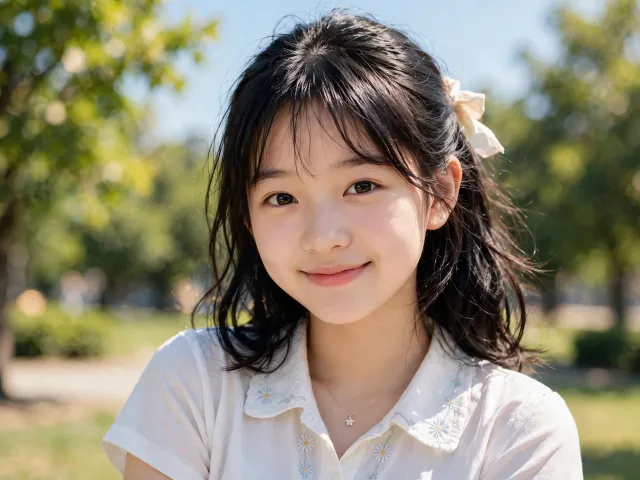
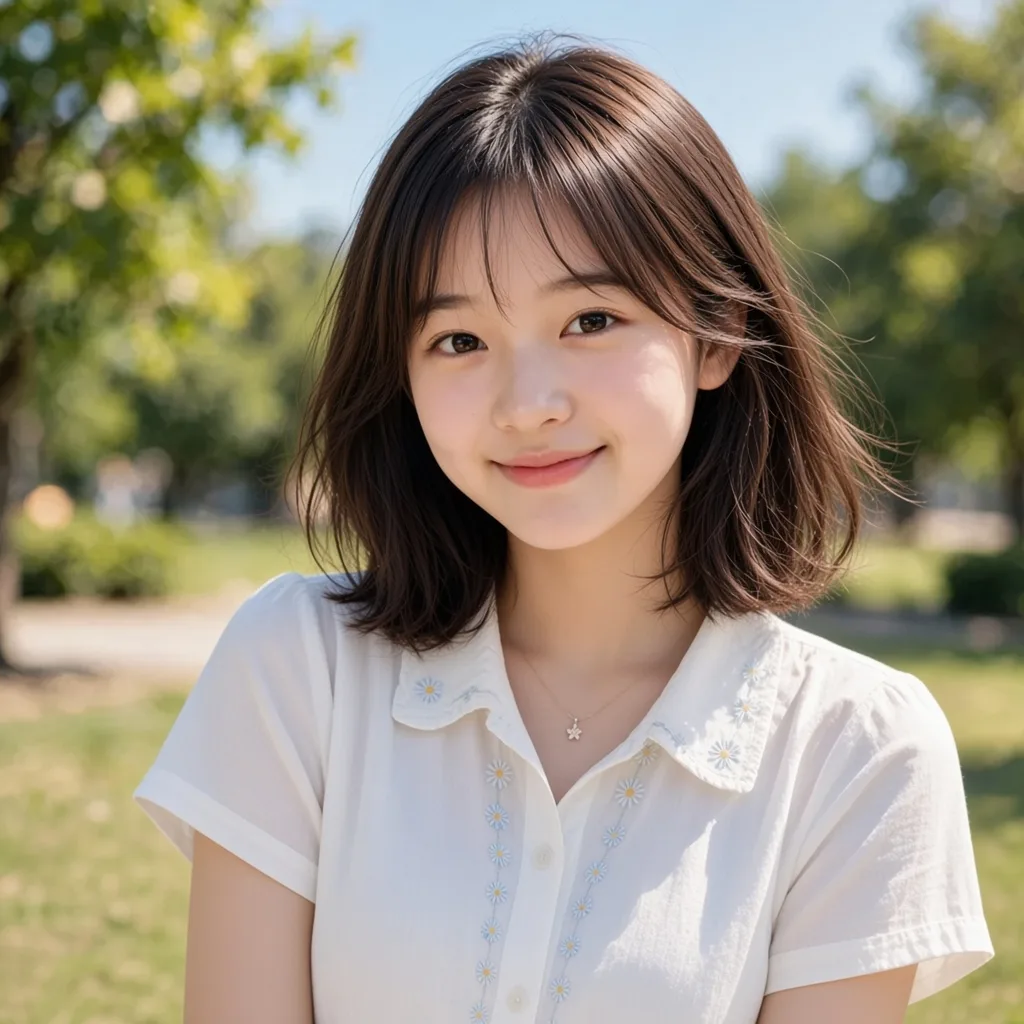
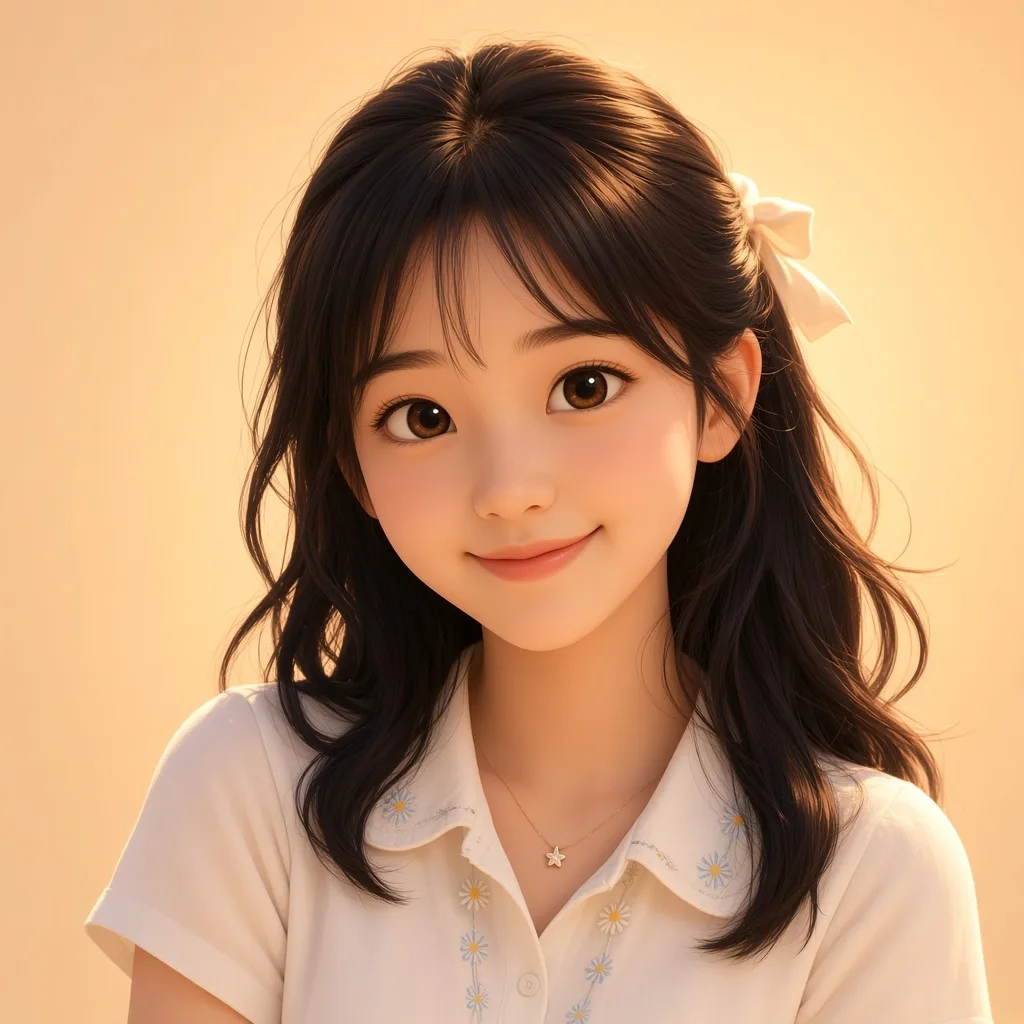
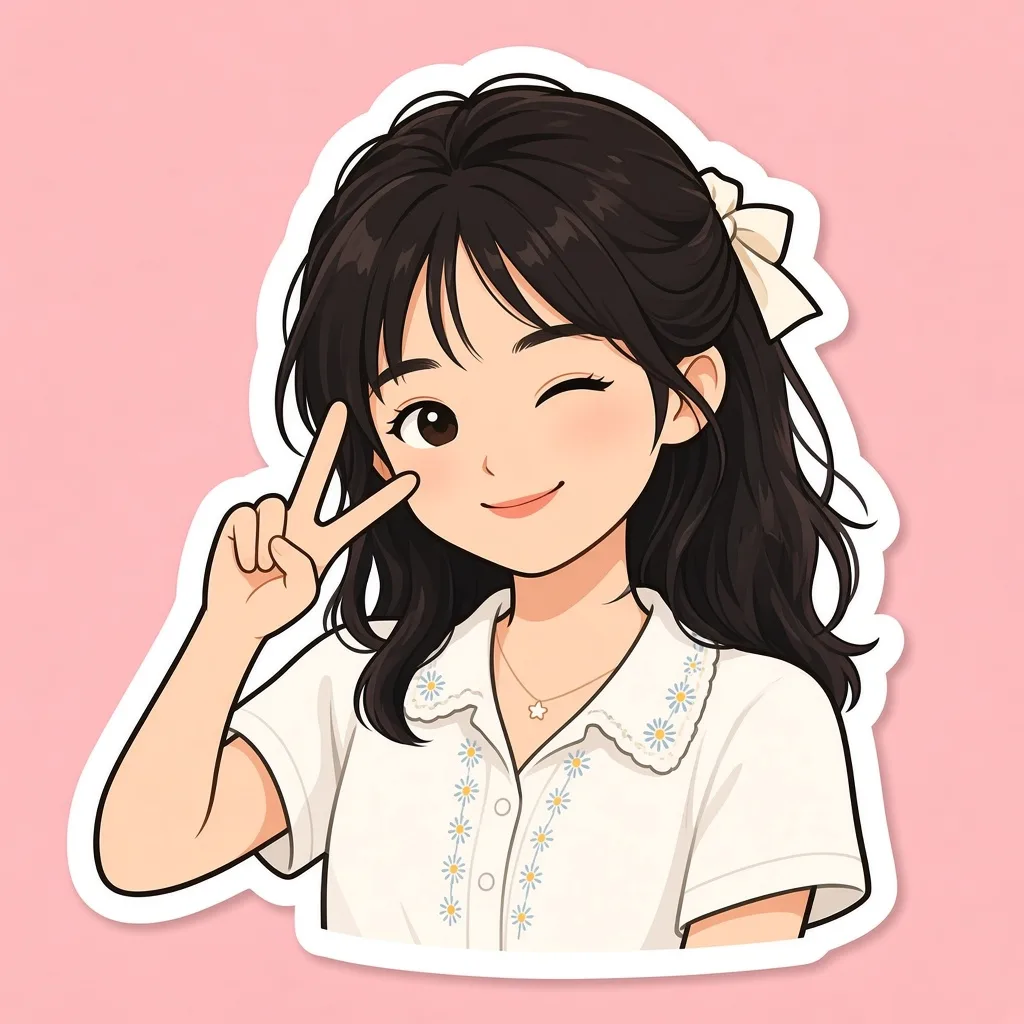
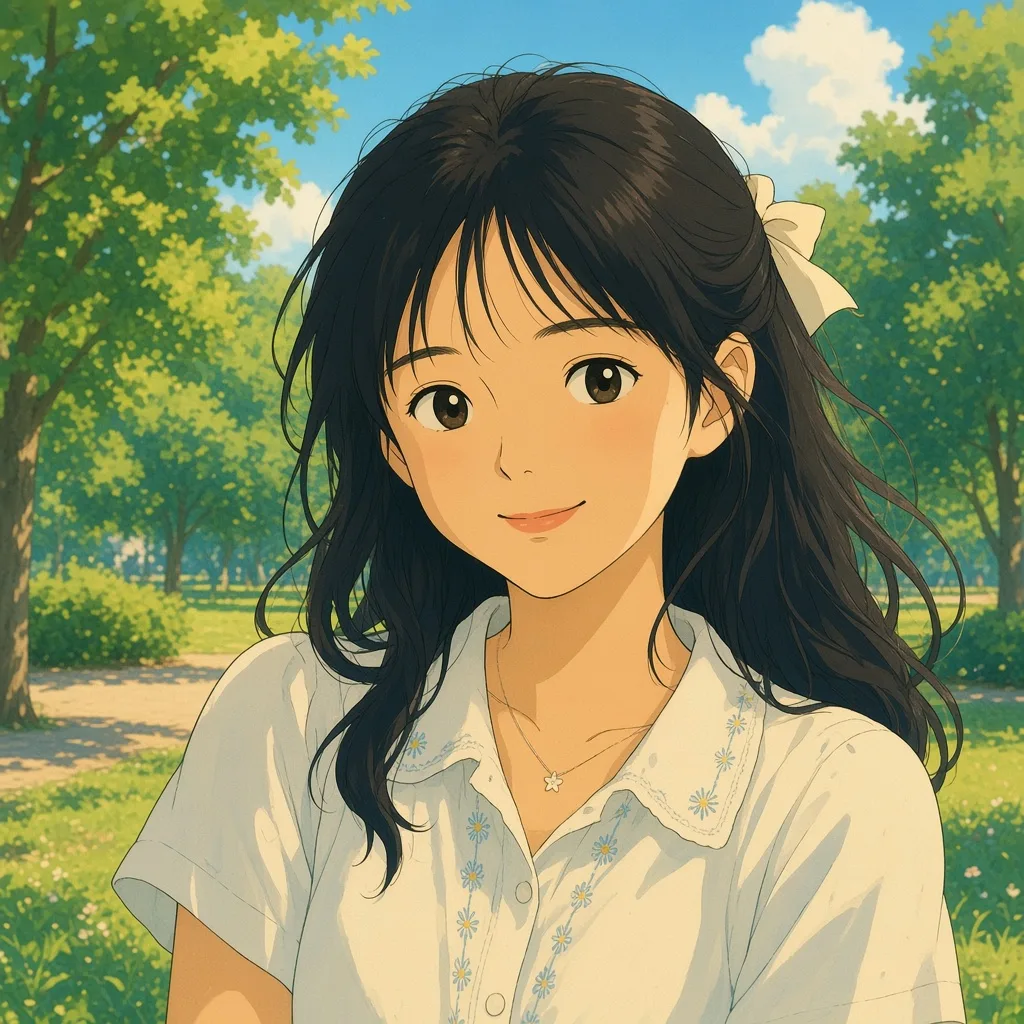
Browse inspiration
Open any card to start in the workspace.
Editor de estilo
Curated editing styles. Open one and upload a photo.
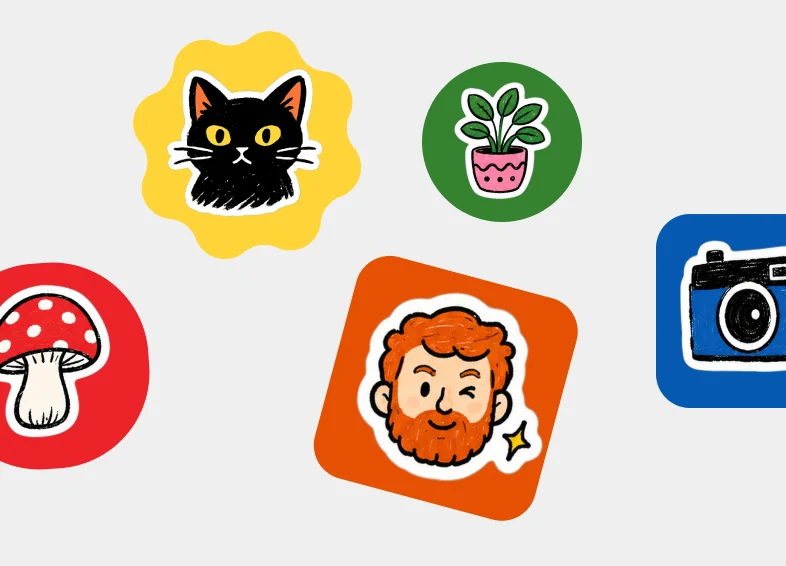
Create a set of colorful illustrated stickers scattered on a light gray background. Each sticker is a hand-drawn illustration with a thick white die-cut border, sitting on a bold colored badge (circle, rounded square, or scalloped burst). Mix playful everyday subjects. Bright flat fills, chunky ink outlines, and a sticker-pack collage layout. No photo-realism.
Stickers
Open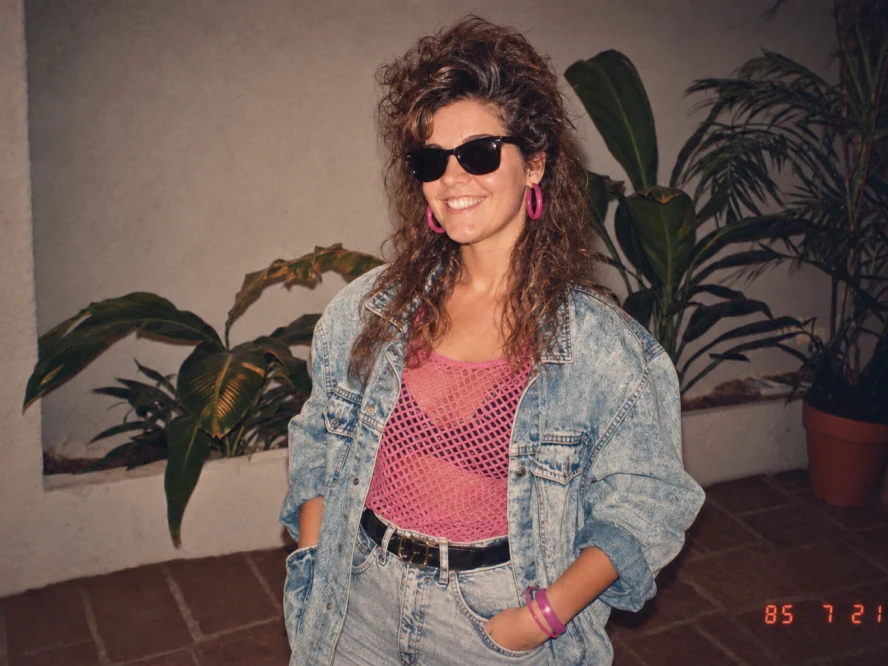
Transform the uploaded photo into an ’80s flashback snapshot. Restyle the subject with a teased curly perm, black sunglasses, bright pink hoop earrings, a pink mesh top, an oversized acid-wash denim jacket, high-waist jeans, and a black belt. Place them in front of indoor plants against a stucco wall. Keep the face recognizable. Warm analog film, slightly faded colors, and a red-orange date stamp in the corner.
’80s flashback
Open
Add a hand drawn overlay on top of the image. Final output should be stylish, relaxed and effortlessly casual. Drawing rules: Use thin, hand-drawn lines as if drawn with a white pen. Keep it in a single-stroke style: rough and slightly uneven. Add outlines tracing around the outer edges of objects. Use arrows or dotted lines to guide the viewer's eye. Text rules: Handwritten text. Keep it short, like a casual inner monologue. Tone: diary-like, brief, and emotion-focused. Commentary should be positive and sweet. Decorations: Add steam, sparkles, hearts, small emoticon-like faces sparingly. Avoid overdoing it; leave some "negative space".
Handwritten notes
Open
Transform this image into a realistic mid-century modern interior with clean lines, warm natural materials, sculptural furniture, bright natural cinematic lighting, that highlights textures of the room. Keep the space photorealistic, like a high-end editorial interior photograph.
Interior design
Open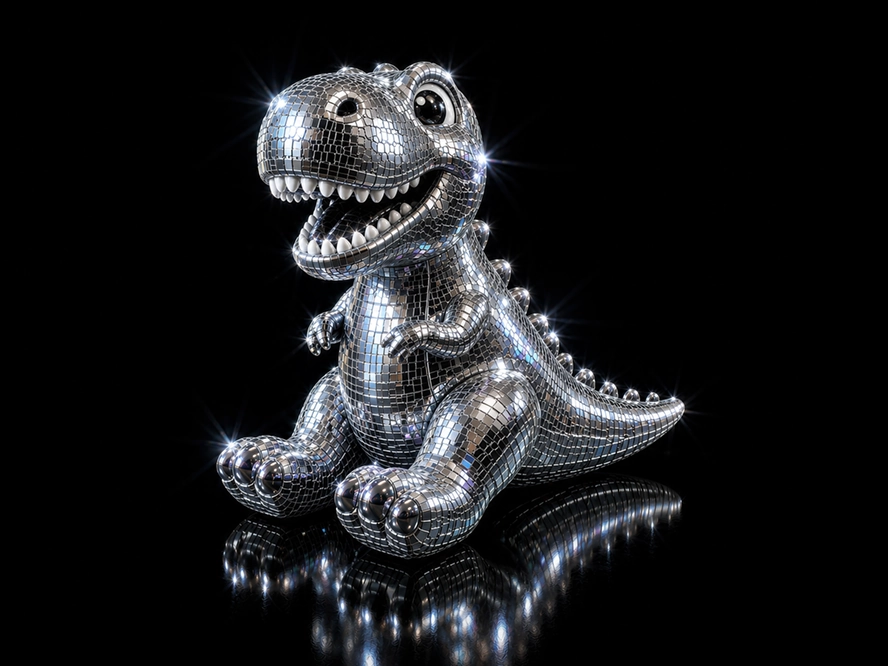
Transform the uploaded image into a glamorous disco-ball version of itself while preserving the original silhouette, composition, key recognizable features, and subtle tonal colors. Style it as if the subject is made from tiny mirrored square tiles, like a 1970s disco ball: chrome, silver, reflective glass, beveled edges, and subtle grout lines between tiles. Add bright white sparkle flares and small iridescent highlights across the mirrored surface. Use dramatic studio lighting on a pure black background, with high contrast, glossy reflections, and a luxurious nightclub feel. Keep the object centered and iconic, with a polished 3D look.
Disco mode
Open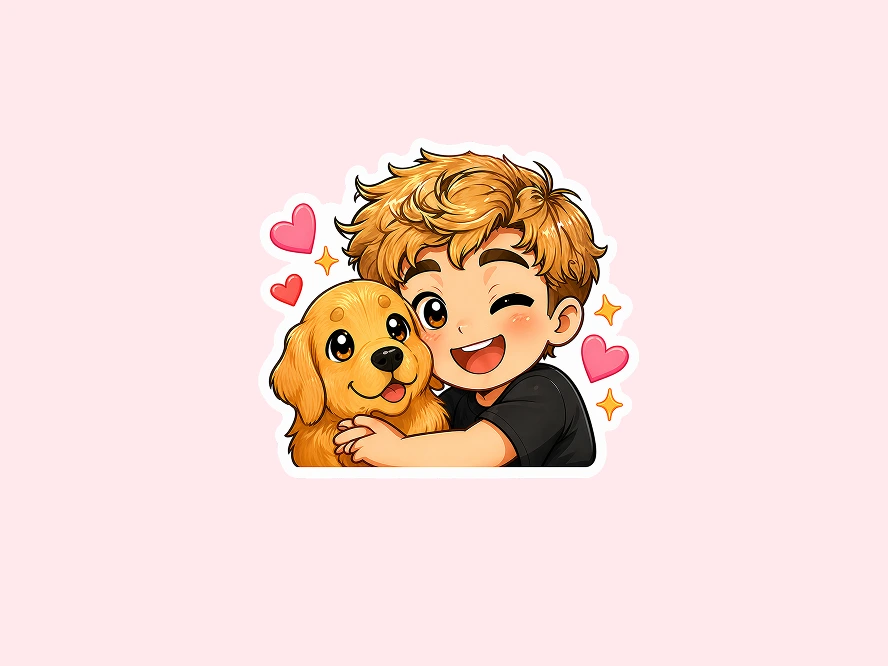
Using the uploaded photograph, create a cute illustrated chibi sticker-pack. Clean, white background, vertical output with a thick white border. Create diverse cute expressions: laughing, crying, sleepy, surprised, confused, eating, grumpy, cute expressions… Each expression should include cute text, for example: Good morning! Whattt? / Huh? / I'm reminding you! / So sleepy / Wow! Approved! / Nice! / Hey you! Achoo! / Angry! / Huh??? / Good night :3 / Too cuteee / Am I cool yet?!
Chibi stickers
OpenCreatividad Ilimitada
Explore AI creative recipes. Open any idea and start creating.
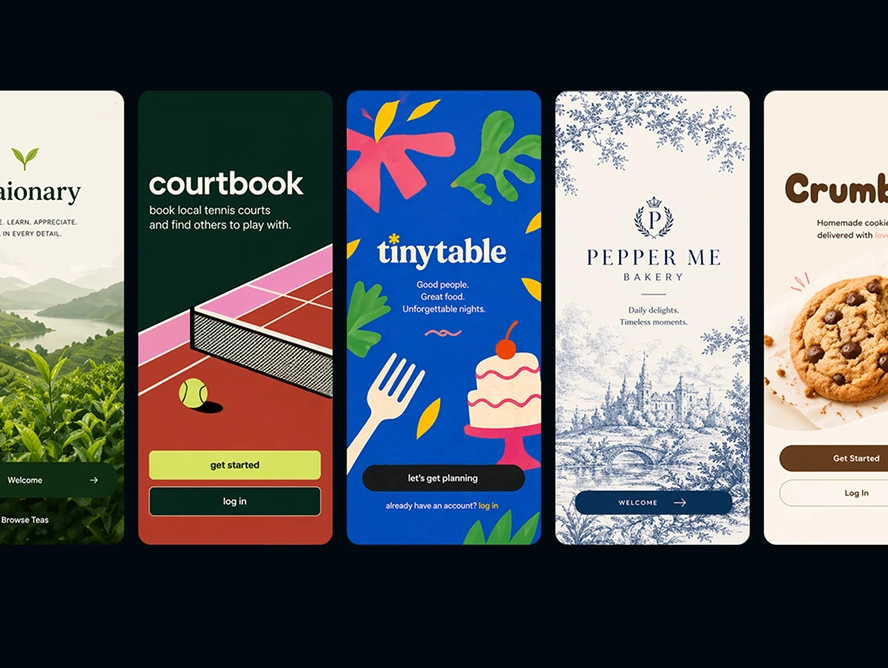
Create a 5.5x3 mockup image of a new design-forward app with a cohesive design system. Show one mobile welcome screen with no photography, one mobile home-page screen, and two product or service pages. Include nothing else in the mockup image.
App design
Open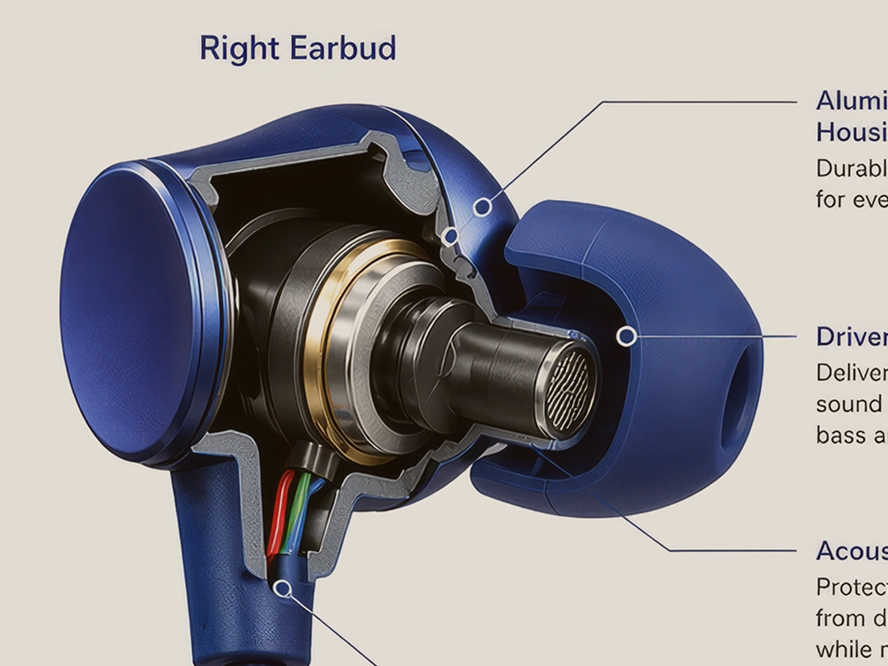
Transform the main subject of the uploaded image into a clean educational cutaway diagram on a white background. Keep the subject's distinctive features from the original image, show a believable cross-section or layered interior, and add clear labeled callouts. Make it look like a textbook or museum science graphic, with clarity and accuracy prioritized over dramatic or artistic styling.
Cross section
Open
Create a single-subject blueprint poster using only the main subject from the uploaded image. Render it as a clean white technical line drawing on a deep cobalt-blue blueprint background with a subtle grid. Use flat 2D schematic linework, orthographic contours, construction lines, measurement ticks, arrows, and minimal technical labels. The composition may also include 2-3 smaller inset studies or alternate views. Keep the layout simple and balanced with no shading, no 3D, no lighting, no extra objects.
Blueprint poster
Open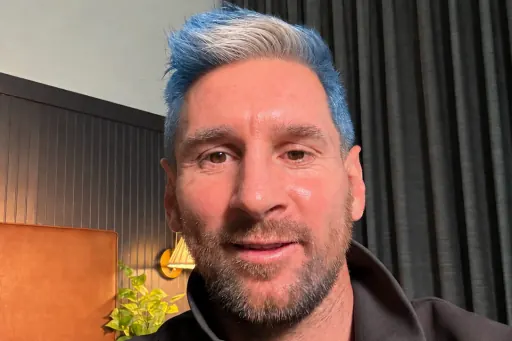
Change my hair to the colors of the selected country's national flag while keeping the result natural and preserving the rest of the image.
Messi mode
Open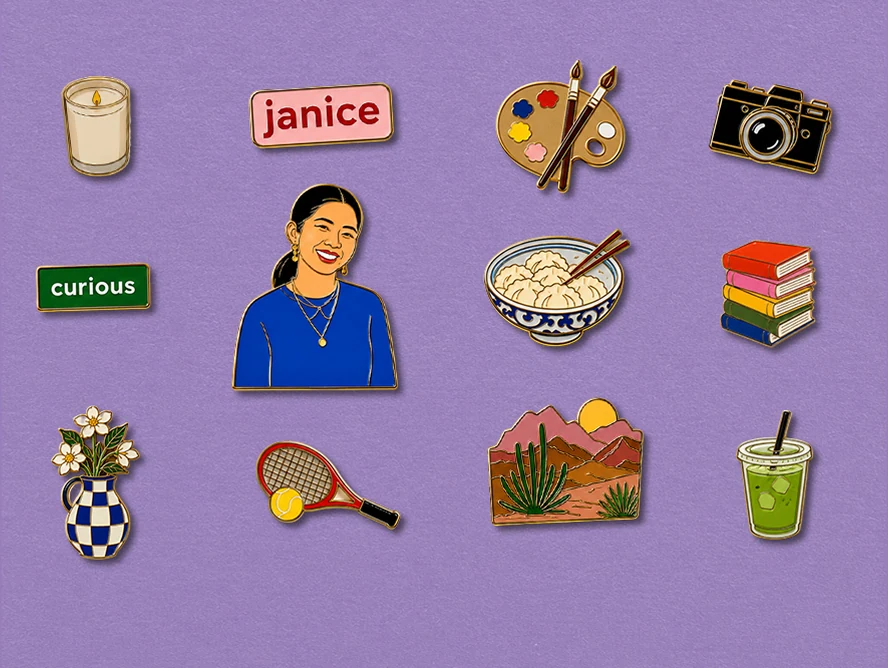
Using the uploaded portrait and provided personal details, create a set of eight hyper-real illustrated enamel pins in a 4:5 image. Include one medium portrait pin, one small pin with a word that describes me, and one small pin with my name. Use bold flat forms, bright colors, and an eye-catching finish.
Pin collection
Open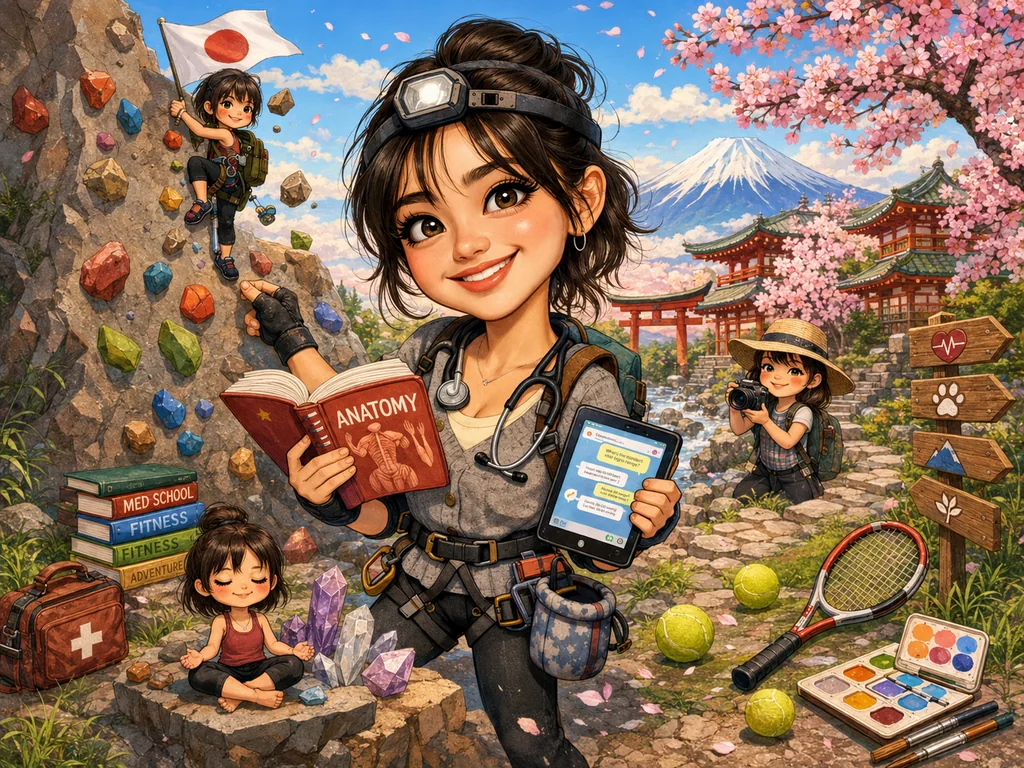
Create a caricature of me and my job based on everything you know about me.
Create a caricature
OpenExplora nuestras funciones
Elige entre nuestras potentes herramientas impulsadas por IA para dar vida a tu visión creativa
Texto a imagen
Convierte texto en una imagen impresionante instantánea y sin esfuerzo.
Prompt de ejemplo
"Un paisaje montañoso sereno al atardecer con colores vibrantes pintando el cielo"
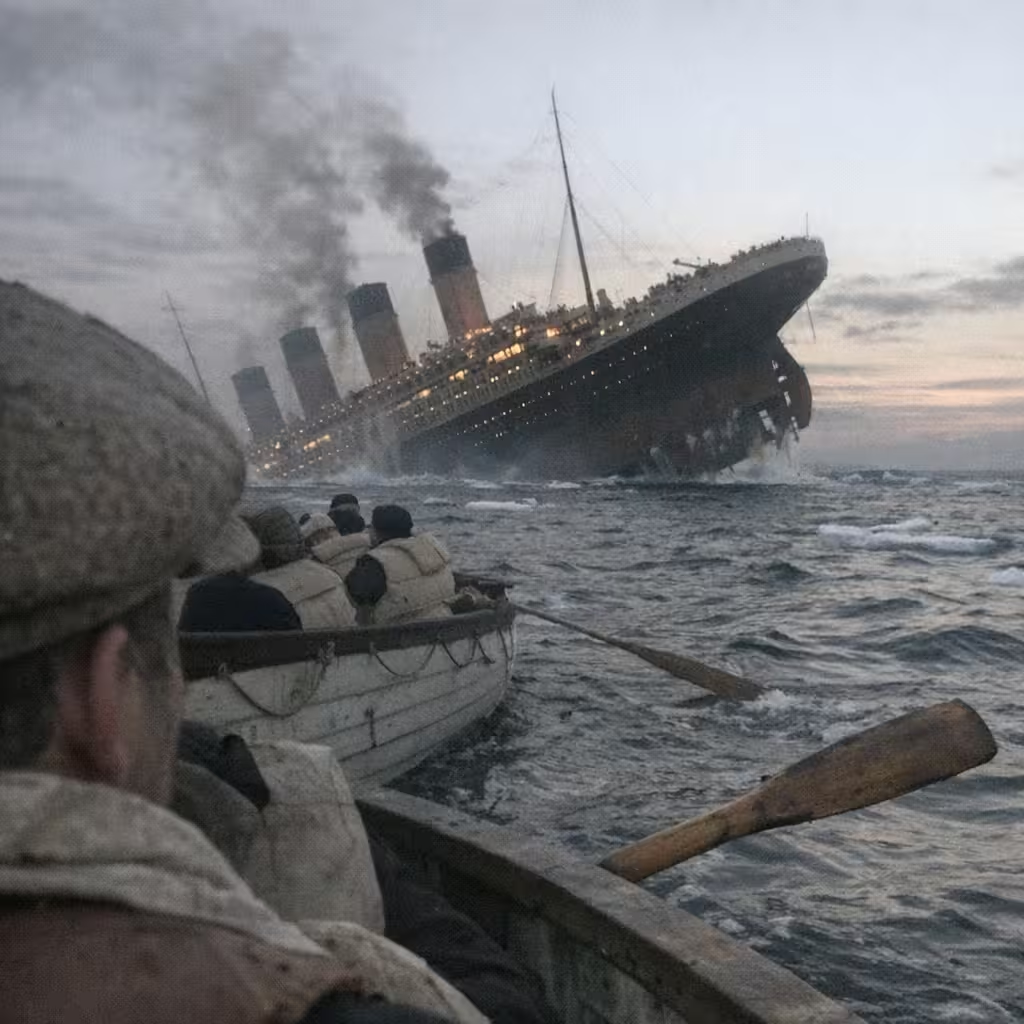
Imagen a imagen
Reimagina tu imagen manteniendo su estructura y diseño original.
Prompt de ejemplo
"Transforma esta imagen al estilo acuarela"
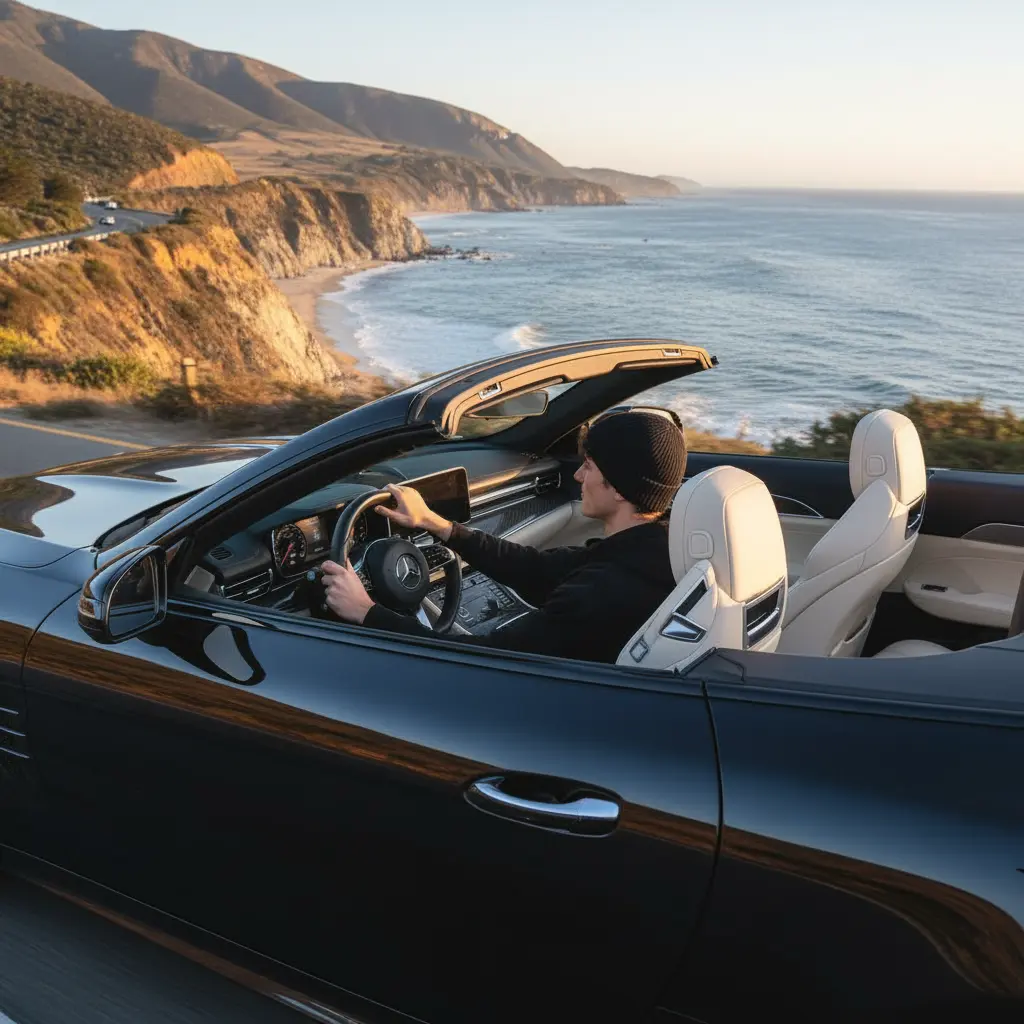
Imagen a video
Convierte una imagen fija en un video corto con movimiento.
Prompt de ejemplo
"Cámara que se acerca despacio, la persona gira la cabeza, el viento mueve la ropa"
Herramientas de imagen
Herramientas de combinación, edición, conversión, compresión de imágenes
Probar ahora →Preguntas frecuentes
Encuentra respuestas a preguntas comunes sobre VibePicture
VibePicture es una plataforma de generación y edición de imágenes impulsada por IA que transforma descripciones de texto en imágenes impresionantes, y puede convertir imágenes al estilo que desees. Ofrecemos varias herramientas incluyendo texto a imagen, imagen a imagen, transferencia de estilo, y creatividad ilimitada.
Los créditos se usan para generar imágenes IA en VibePicture. Cada generación consume una cierta cantidad de créditos dependiendo de la herramienta y configuración utilizada. Puedes comprar paquetes de créditos a través de nuestra página de precios, y los créditos no utilizados nunca expiran.
Inicia sesión para generar imágenes, vídeos y la mayoría de ediciones con IA, así el historial y los créditos quedan en la cuenta. Editores locales como Background Studio y Bead Maker funcionan sin iniciar sesión y no consumen créditos de generación.
Usamos los modelos de IA más avanzados después de pruebas y comparación, incluyendo Nano Banana, GPT Image, Seedream, Qwen Image, Imagen4 Fast, Imagen4, y otros modelos optimizados para diferentes tipos de tareas de generación y edición de imágenes.
Ofrecemos varios paquetes de créditos desde planes básicos para usuarios casuales hasta planes profesionales para usuarios intensivos. Consulta nuestra página de precios para tarifas actuales y ofertas especiales.
Las causas comunes incluyen problemas de red, sobrecarga del servidor o violaciones de política de contenido del prompt. Intenta de nuevo con un prompt modificado o verifica tu conexión a internet. Si la generación falla, tus créditos no serán deducidos.