
Editing style inspirations
Curated editing styles. Upload a photo and start creating.
32/32 presets
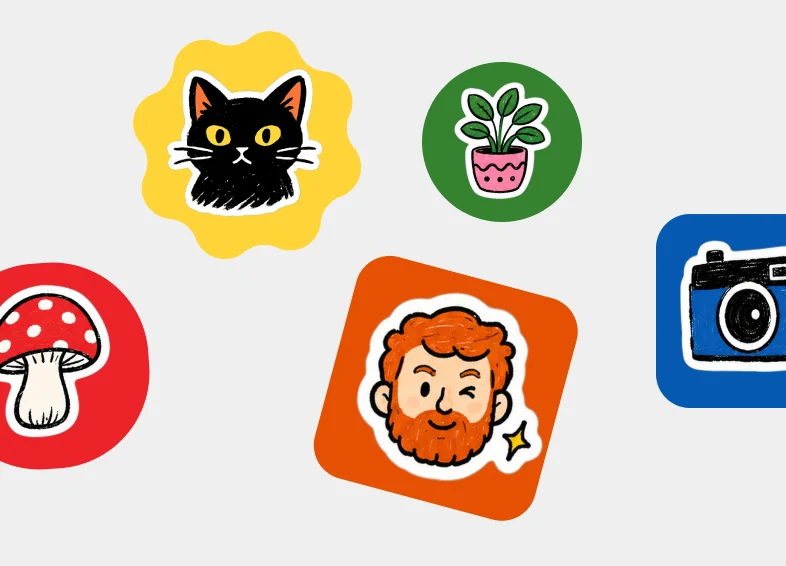
Create a set of colorful illustrated stickers scattered on a light gray background. Each sticker is a hand-drawn illustration with a thick white die-cut border, sitting on a bold colored badge (circle, rounded square, or scalloped burst). Mix playful everyday subjects. Bright flat fills, chunky ink outlines, and a sticker-pack collage layout. No photo-realism.
Stickers
Open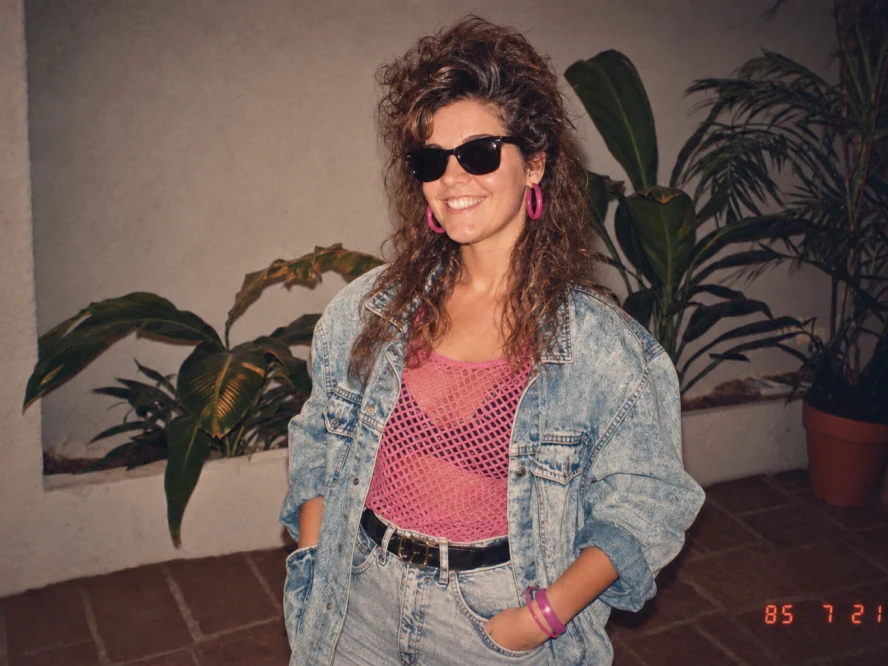
Transform the uploaded photo into an ’80s flashback snapshot. Restyle the subject with a teased curly perm, black sunglasses, bright pink hoop earrings, a pink mesh top, an oversized acid-wash denim jacket, high-waist jeans, and a black belt. Place them in front of indoor plants against a stucco wall. Keep the face recognizable. Warm analog film, slightly faded colors, and a red-orange date stamp in the corner.
’80s flashback
Open
Add a hand drawn overlay on top of the image. Final output should be stylish, relaxed and effortlessly casual. Drawing rules: Use thin, hand-drawn lines as if drawn with a white pen. Keep it in a single-stroke style: rough and slightly uneven. Add outlines tracing around the outer edges of objects. Use arrows or dotted lines to guide the viewer's eye. Text rules: Handwritten text. Keep it short, like a casual inner monologue. Tone: diary-like, brief, and emotion-focused. Commentary should be positive and sweet. Decorations: Add steam, sparkles, hearts, small emoticon-like faces sparingly. Avoid overdoing it; leave some "negative space".
Handwritten notes
Open
Transform this image into a realistic mid-century modern interior with clean lines, warm natural materials, sculptural furniture, bright natural cinematic lighting, that highlights textures of the room. Keep the space photorealistic, like a high-end editorial interior photograph.
Interior design
Open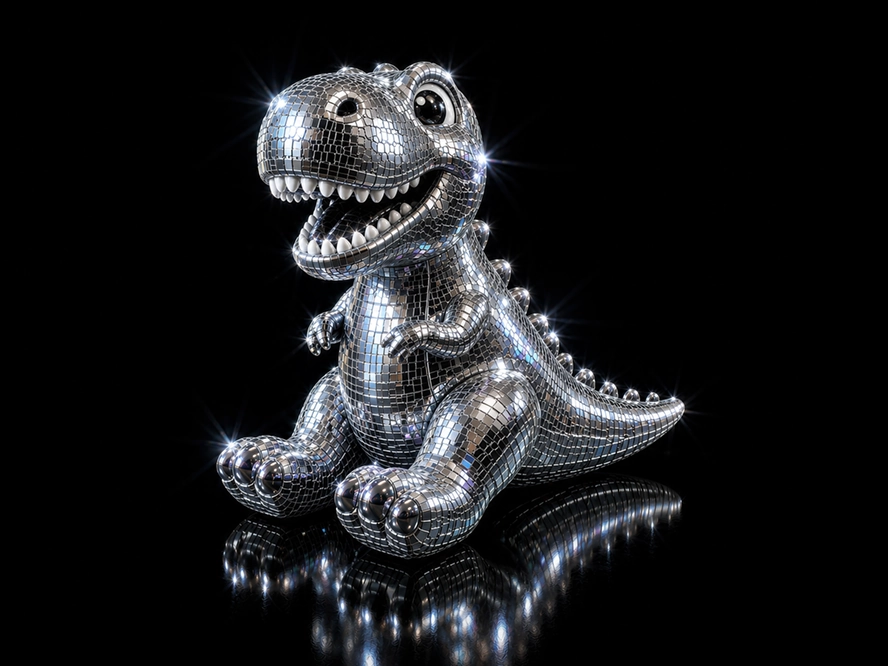
Transform the uploaded image into a glamorous disco-ball version of itself while preserving the original silhouette, composition, key recognizable features, and subtle tonal colors. Style it as if the subject is made from tiny mirrored square tiles, like a 1970s disco ball: chrome, silver, reflective glass, beveled edges, and subtle grout lines between tiles. Add bright white sparkle flares and small iridescent highlights across the mirrored surface. Use dramatic studio lighting on a pure black background, with high contrast, glossy reflections, and a luxurious nightclub feel. Keep the object centered and iconic, with a polished 3D look.
Disco mode
Open
Create a premium glossy 3D "designer toy" render of the subject(s) using the uploaded image as the only reference. Render one floating head per person (no duplication), cropped cleanly below the jaw with a visible neck and full head comfortably framed. Style: high-quality vinyl figure with ultra-smooth, simplified forms, rounded volumes, and strong glossy reflections across key facial areas. Hair should be sculpted, glossy, and stylized, with embedded playful accessories. Include oversized retro wraparound sunglasses with vibrant, matching frame/lens colors. Use strong studio lighting with pronounced highlights. Background: blue sky with soft clouds.
3D avatar
Open
Transform this photo into an elevated fashion studio portrait. Choose a complementing-color background that enhances the subject's skin tone. Keep a tight head-and-shoulder composition with the subject centered and facing the camera straight with an optimistic expression. Apply directional lighting with subtle shadows. Preserve natural skin tones while making the image polished, minimal, and editorial—like a magazine photoshoot.
Studio portrait
Open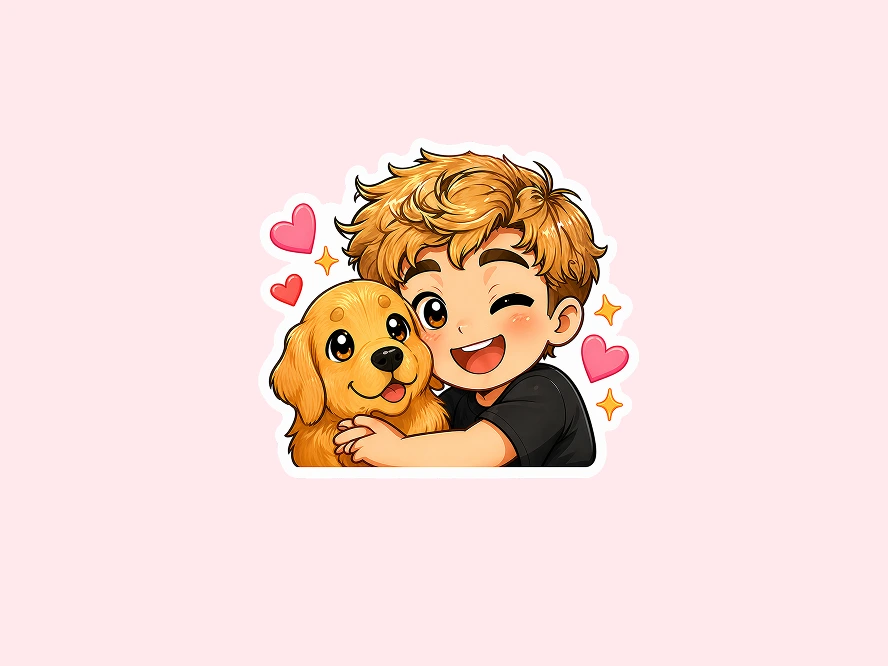
Using the uploaded photograph, create a cute illustrated chibi sticker-pack. Clean, white background, vertical output with a thick white border. Create diverse cute expressions: laughing, crying, sleepy, surprised, confused, eating, grumpy, cute expressions… Each expression should include cute text, for example: Good morning! Whattt? / Huh? / I'm reminding you! / So sleepy / Wow! Approved! / Nice! / Hey you! Achoo! / Angry! / Huh??? / Good night :3 / Too cuteee / Am I cool yet?!
Chibi stickers
Open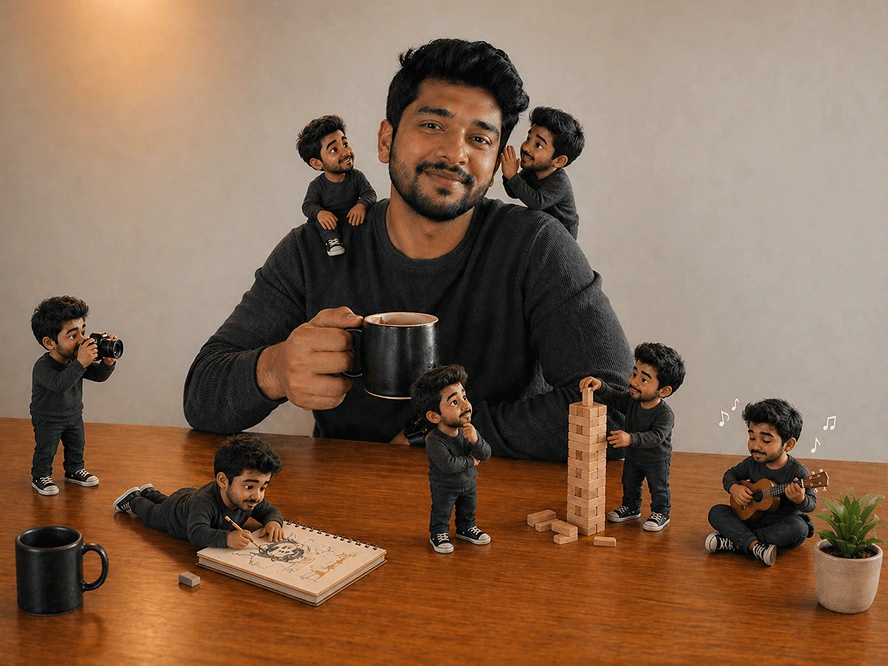
Turn this photo into a magical "Mini Me" world where tiny animated versions of yourself come to life around you. These cute 3D-style mini characters interact with your everyday surroundings — climbing onto your shoulders, sitting on your bag, waving, playing, and copying your poses — creating a playful yet emotional social media story-worthy scene full of personality and story. The original photo remains untouched while the tiny characters bring the image to life with depth, movement, realistic shadows, and a soft aesthetic vibe.
Mini me
Open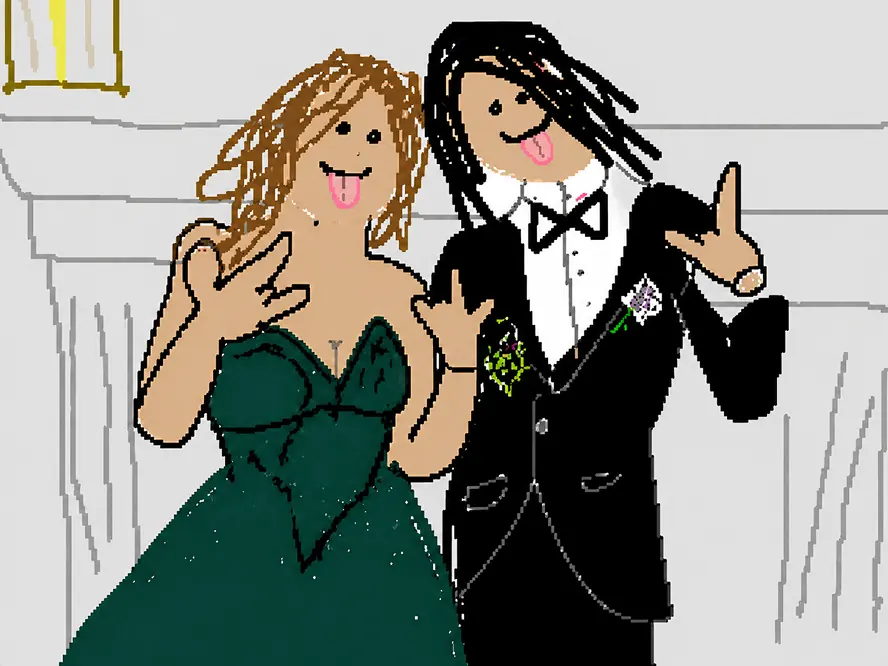
Redraw the attached image in the most clumsy, scribbly, and utterly pathetic way possible. Use a white background, and make it look like it was drawn in an old computer painting program with a mouse. It should be vaguely similar but also not really, kind of matching but also off in a confusing, awkward way, with that low-quality pixel-by-pixel feel that really emphasizes how ridiculously bad it is. Actually, you know what, whatever, just draw it however you want.
Scribble
Open
Transform the photo into nighttime chic flash photography. Use harsh direct on-camera flash with strong highlights, deep shadows, and slight overexposure on the subject. Set the scene at night with a dark, moody background while keeping realistic colors and textures. Add a candid, editorial feel, slightly imperfect framing, motion energy, and spontaneous expression. Emphasize high contrast, glossy skin highlights, and subtle film grain for a raw, fashion-nightlife aesthetic.
Night flash
Open
Create a trending anime art style image from the uploaded subject. Use confident line-work with slight variation and minimal cel shading using flat shadow shapes. Use bright, saturated colors and clean graphic lighting. The style is defined by exaggerated, cartoonish character proportions featuring highly expressive, simplistic facial features that allow for immense emotional range, with highly varied stretched anatomy. Transform the environment into a slightly warped space with playful perspective distortion and simplified objects. Composition and tone should be energetic, lively, and comedic in a fully stylized, non-realistic world.
Anime
Open
Transform the person in the uploaded photo into a whimsical black-and-white vintage newspaper front page. Place them as the main portrait in the center, styled like an old engraved photograph. Surround them with bold, exaggerated headline text, narrow newspaper columns, and playful subheadings. Use high-contrast black ink on pure white background, subtle paper texture, and classic serif fonts. Add quirky, magical or humorous headlines to create a charming, slightly surreal tone. Keep the layout dense, editorial, and reminiscent of an old fantasy newspaper. Ensure the subject's face remains recognizable but stylized to match the printed newspaper aesthetic.
Fantasy newspaper
Open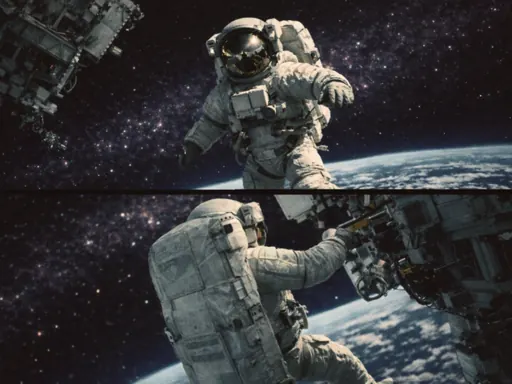
Transform the uploaded image into cinematic 3-frame sequential film stills (horizontal frames stacked vertically), full bleed edge-to-edge. Each frame should show a different moment from the same scene, with clear progression. Vary the composition, camera angle, and distances to create a sense of movement and storytelling. Use a cinematic, cooler-toned, high-contrast, deep-space blacks film with a natural color grade. Add subtle film grain, slight motion blur, and natural imperfections to emulate analog photography. Keep the composition candid and emotionally grounded, with a sense of movement and quiet storytelling. Overall aesthetic: cinematic, nostalgic, and organic, like raw film stills.
Film strip
Open
Create a tarot card in the classic Rider-Waite style. Style me in a hand-drawn figure using bold but imperfect black ink linework with wobble and variation, flat colors with no shading. Layer subtle tarot visual elements around the figure. Add paper texture and print feel.
Tarot card
Open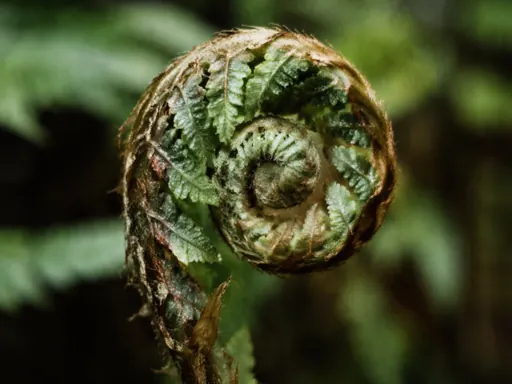
Create a macro nature image of a scene with realistic textures, shallow depth of field with creamy bokeh, in a natural outdoor setting. The image has an analog, imperfect, wabi sabi, 35mm film-like quality—grain, natural color rendering, and a soft contrast curve. Ultra-realistic detail, macro photography, 9:16 aspect ratio.
Hyper-real wallpaper
Open
Improve the lighting while keeping everything else exactly the same. Do not change the person, pose, expression, background, or composition. Fix issues like back lighting, harsh shadows, underexposure or uneven lighting. Transform the original lighting into soft, natural, flattering light coming from slightly above eye level and facing the subject, so the face is evenly lit with realistic skin tones. Keep the result photorealistic and consistent with the original scene.
Fix lighting
Open
Create a comic strip using the subject from the uploaded image. Style the comic strip in a bold Sunday funnies style with thick outlines, halftone textures, and bright 1980s colors. Pick one clear, exaggerated visual element from the photo and build the story around it, leading to a funny or unexpected payoff. Keep the dialogue short, natural, and easy to read, and make sure the joke lands clearly at a glance with no randomness or confusion.
Comic
Open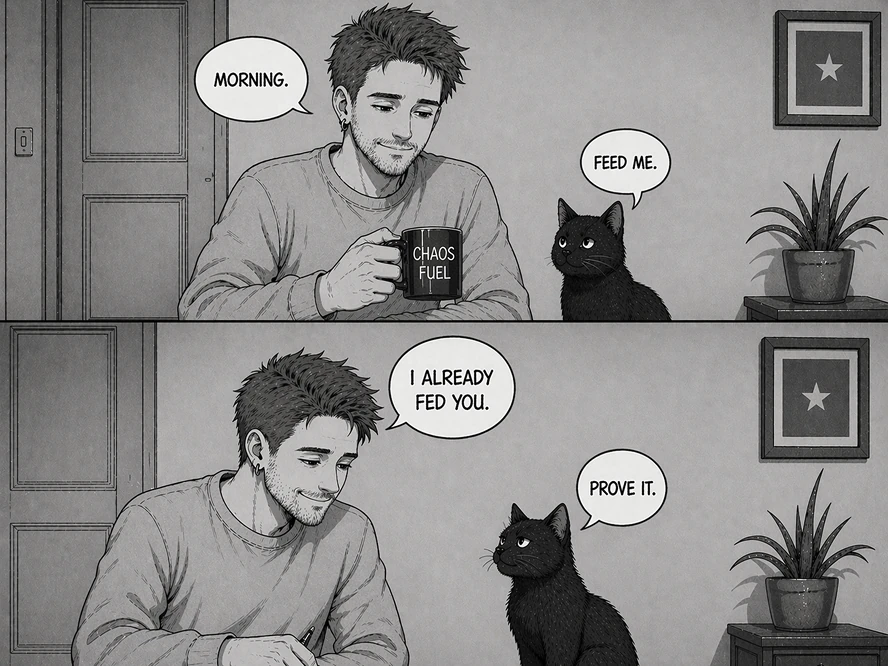
Create a wholly original, simple black-and-white comic strip in a retro hand-inked manga style. Use 2-3 horizontal panels. Treat the uploaded image as the character reference; redraw the character entirely in manga form with consistent line work and shading across every panel. Interpret the person as the main character and, based on their appearance, generate an uplifting encounter with a clear "setup-reinforce-turnaround" structure: the first panel establishes context, the second develops the situation, and the third delivers a surprise twist. Keep the dialogue short, natural, and upbeat. No technology.
Manga comic
Open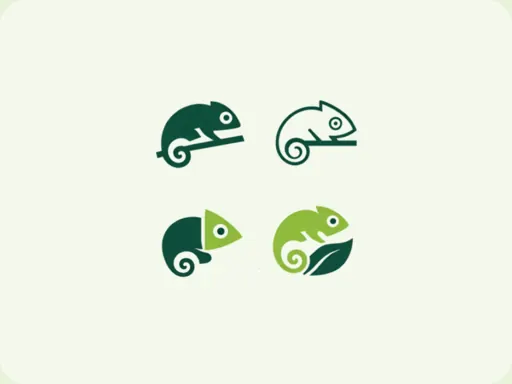
Transform this image into a grid of minimalist logos using the main subject as the core icon. Abstract and simplify the primary element into multiple unique vector-style logo marks. Each variation should reinterpret the same subject in different ways (geometric, line art, negative space, emblem, badge, monogram). Arrange 16-20 logos evenly on a light background. Keep designs clean, modern, with balanced spacing. Maintain consistency while exploring creative variations of the original subject as a cohesive branding logo collection.
Logo design
Open
Improve the quality of my photo and make it clearer.
Enhance photo
Open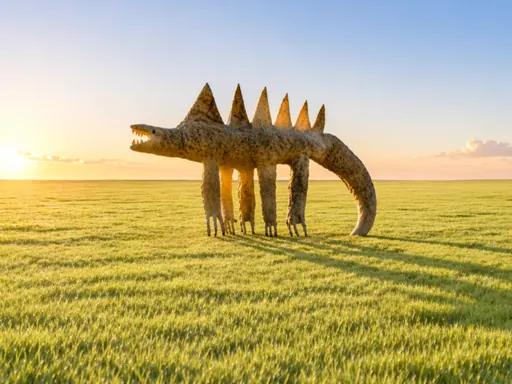
Turn this simple, childlike drawing or photo into a photo-realistic scene. Use it as an exact blueprint; keep all the proportions, shapes, and quirks as-is. Translate it into real materials, textures, and lighting. Place it in a believable environment with depth and shadows so it feels like a real photo of the drawing brought to life.
Drawing to life
Open
Using the subject(s) in the uploaded image as inspiration, create a single frame image from a story-driven 2D side-scrolling pixel art game. Translate the image's themes, colors, or subjects into the game world. The scene should capture a climactic, victorious moment in a non-violent, uplifting, or humorous way. Style should be detailed retro pixel art (16-bit), with clear silhouettes and a cohesive color palette. The image should be vertical and show the full game screen. Include a classic HUD at the top with a funny, original game title inspired by the image. The frame should feel like gameplay in progress, with a character, environment, and a clear sense of action or objective. All elements must be contained within the game screen.
8-bit game
Open
Create a cinematic, ultra-realistic landscape with a softly blurred foreground, bokeh, and layered depth. Composition should have a lot of negative space. The image has an analog, imperfect, 35mm film-like quality—grain, natural color rendering, and a soft contrast curve. No people or structures.
Landscape
Open
Create an extreme close-up underwater portrait after the subject has just jumped into a swimming pool or clear shallow water. Keep the mood calm, weightless, and ethereal, emphasizing light reflections. No struggle or urgency.
Underwater
Open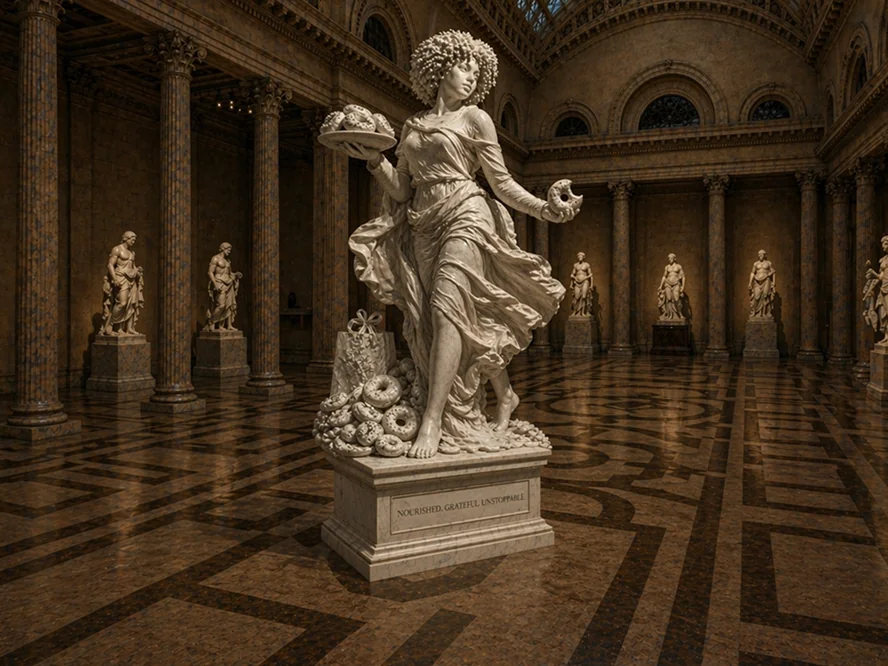
Create a detailed neoclassical Greek white Carrara marble statue honoring the uploaded image. If the image has a person, depict the person in the statue as a powerful allegorical figure in motion, with flowing garments, a confident pose, and a serious expression. If it is not a person, do not add a person. Include elements from the photo to give the statue personality and non-generic historical artifacts from the provided personal symbol. Set in a museum hall. Photorealistic with medium depth of field, natural perspective, and warm museum lighting casting dramatic, realistic shadows.
Statue
Open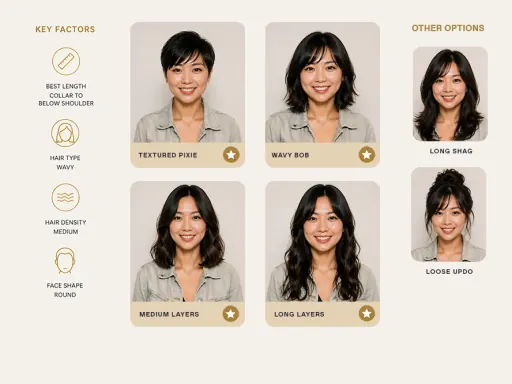
Create a clean, modern hairstyle analysis graphic using this portrait. Show side-by-side hairstyles comparisons to highlight which hairstyles suit the subject best. Make it visual-first, with short labels only and no paragraphs. Use a minimal, premium style: neutral background.
Hairstyle analysis
Open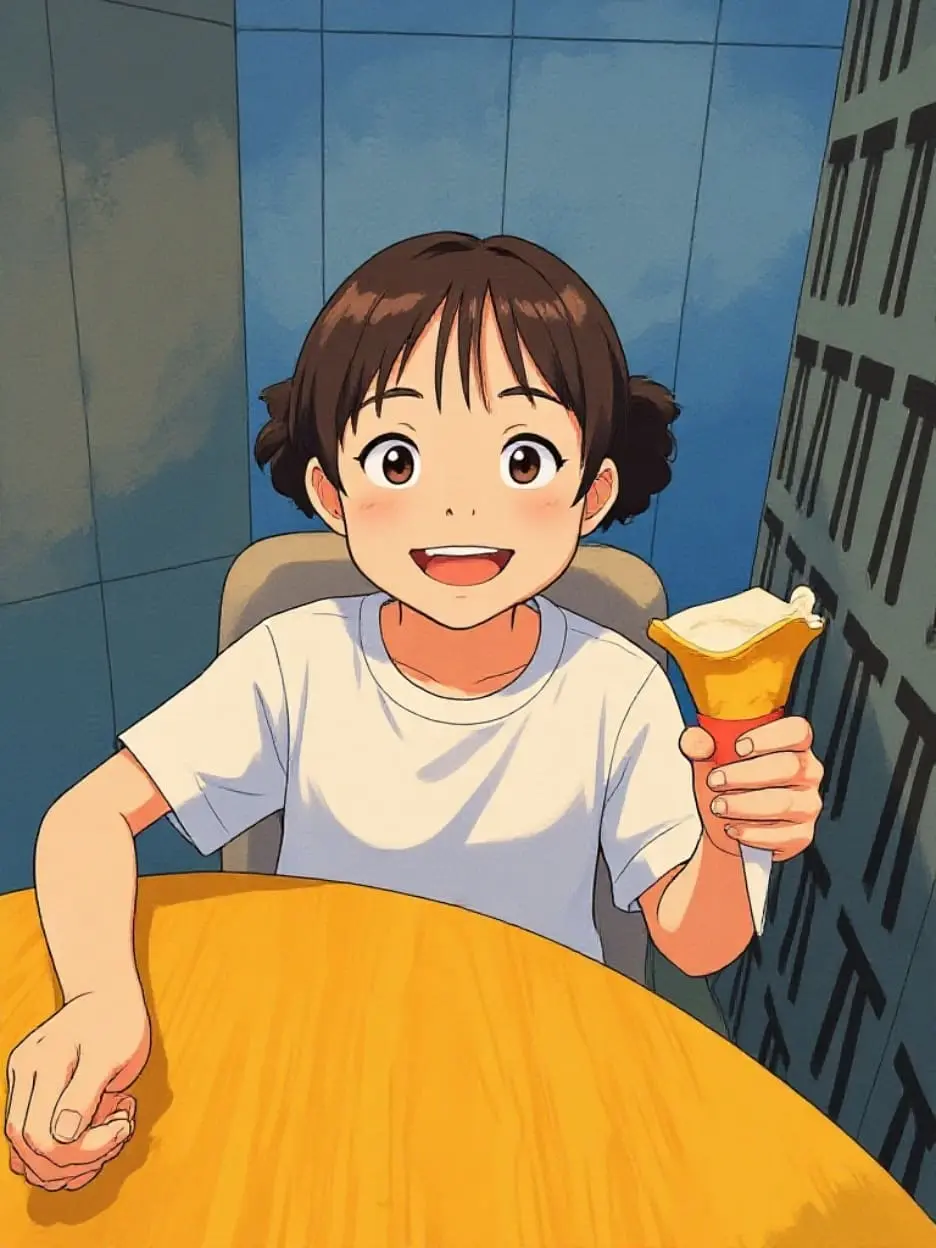
Turn your photo into a soft Studio Ghibli style illustration.
Studio Ghibli
Open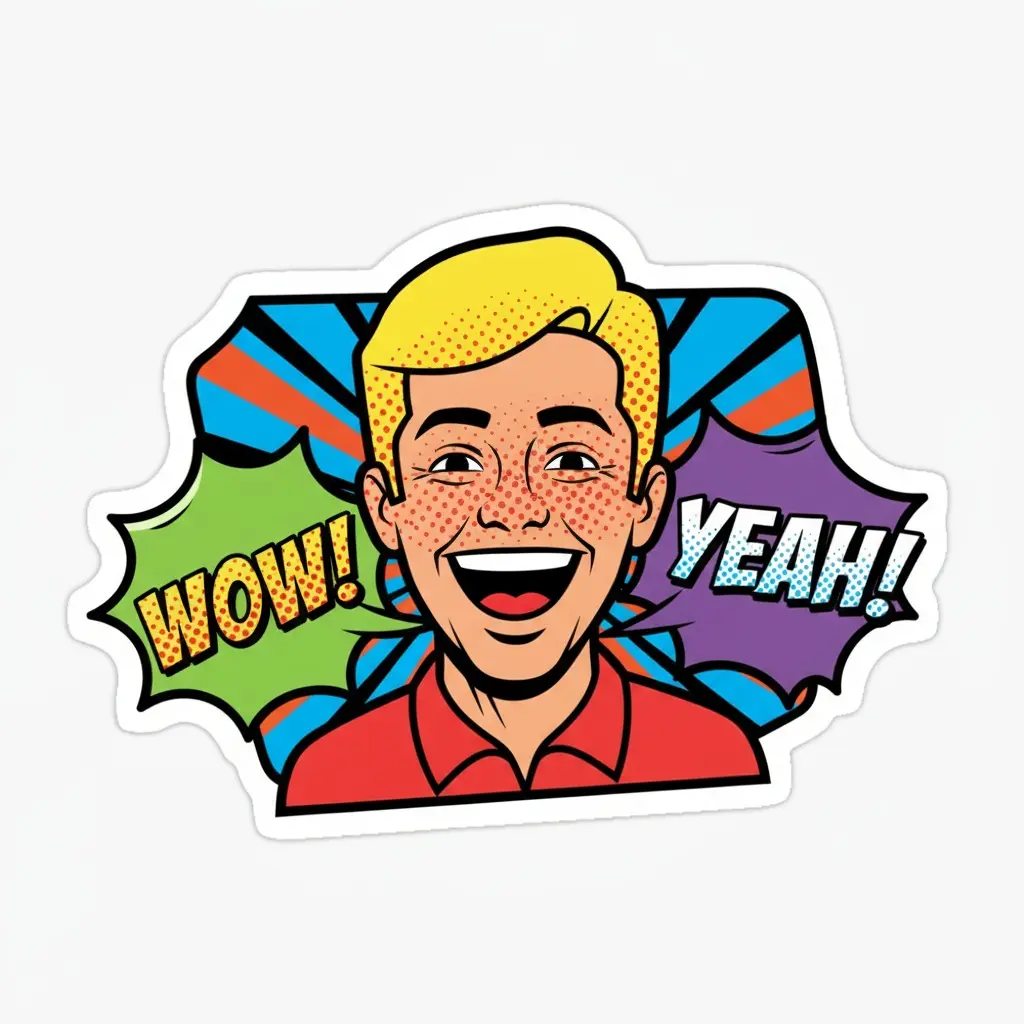
Create expressive sticker packs from an uploaded subject.
Sticker maker
Open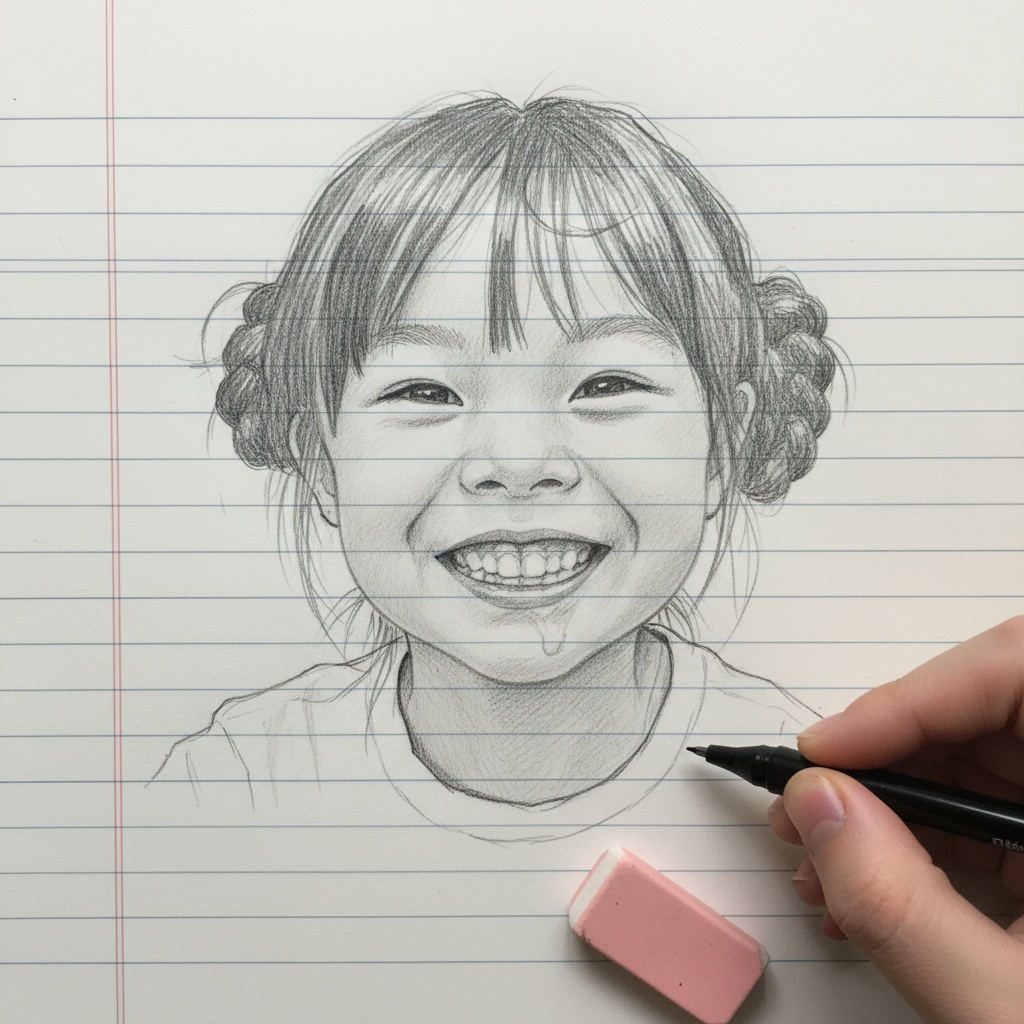
Redraw the uploaded image as a clean pencil sketch.
Pencil sketch
Open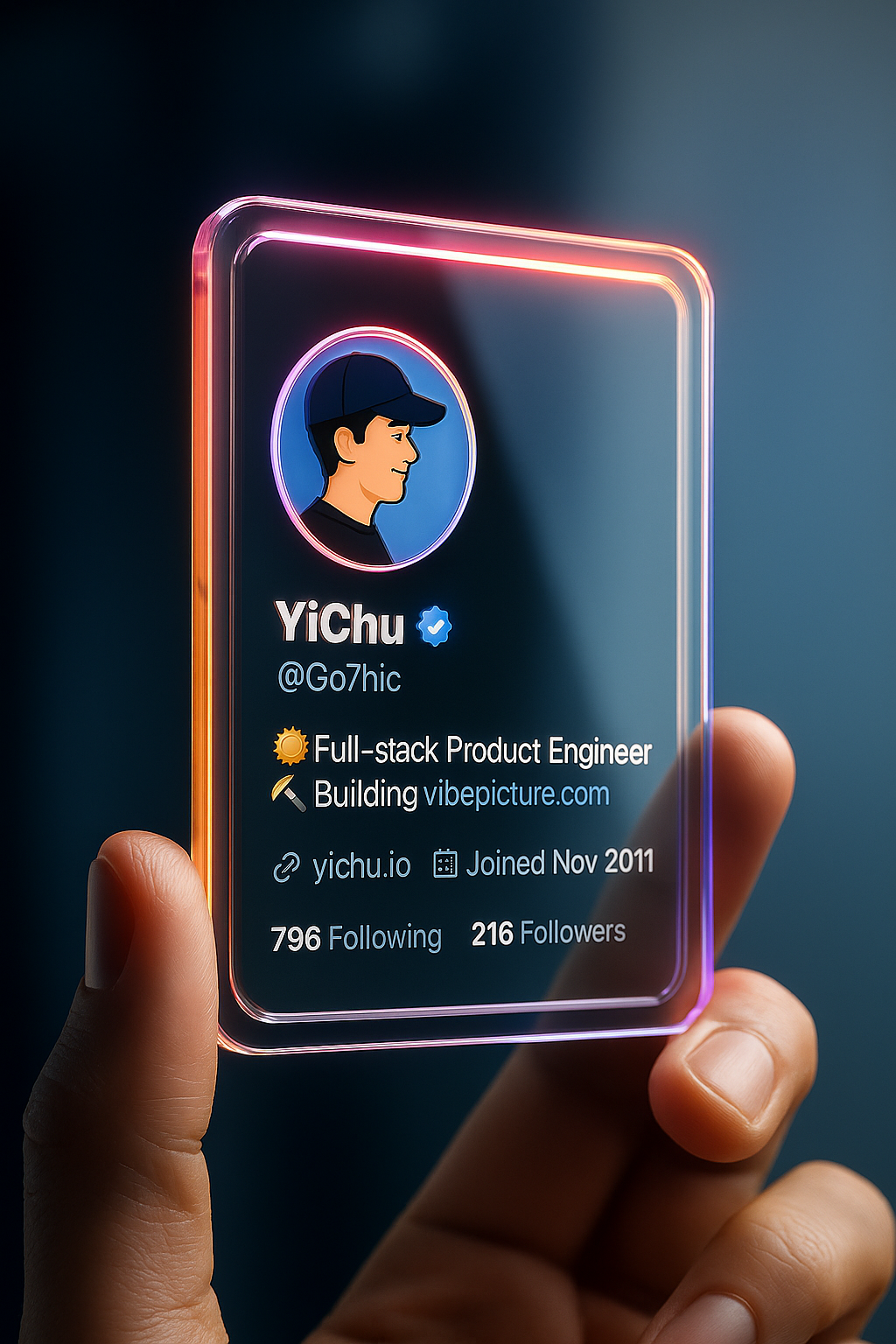
Build a polished social profile card from your photos.
Profile card
Open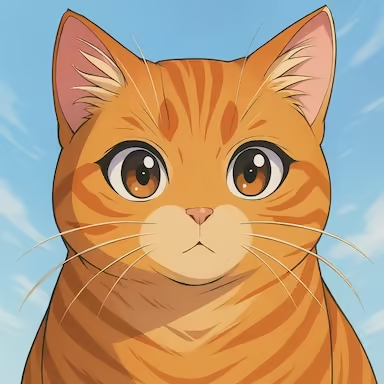
Browse classic ChatGPT image style presets and apply them to a photo.